Adding Printers in NetWare
AXIS 5900 User’s Manual 61
Installing an NDPS
Printer on a
Workstation
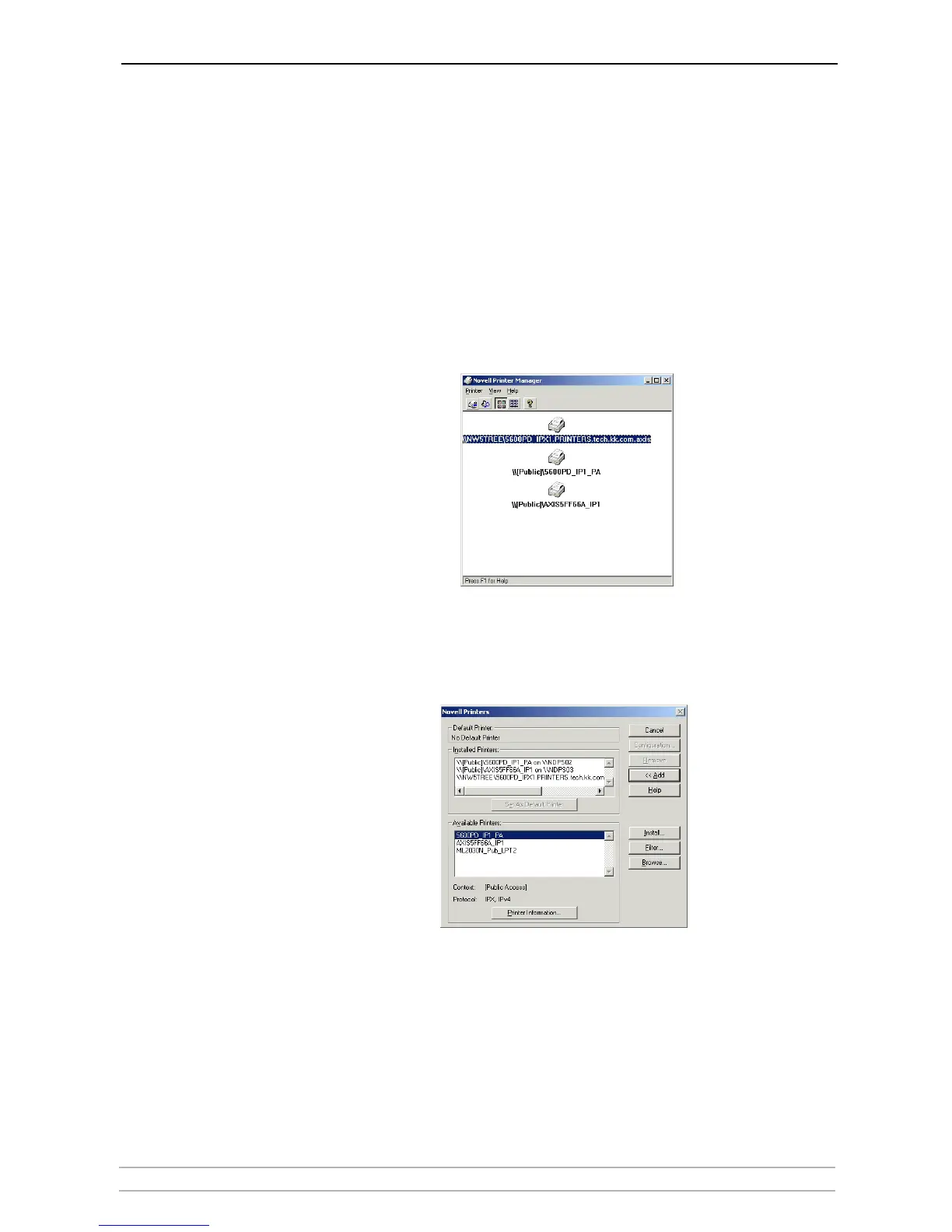
To install the printer on a workstation, use either Novell Printer Manager
(NetWare 5.1 only) or the Add Printer Wizard on the local workstation.
Using Novell Printer
Manager
1. Log in as Admin.
2. On the any workstation, browse to
<NW 5.1 File Server>\SYS:PUBLIC\Win32
and start Nwpmw32.exe (Novell Printer Manager).
The Novell Printers dialog appears, displaying a list of installed Public or
Controlled printers (if any printers have previously been installed on the
workstation).
3. From the Printer Manager’s Printer pull down menu, select New.
4. Click Add. A list of available printers appears.



 To Next Page