Adding Printers in NetWare
62 AXIS 5900 User’s Manual
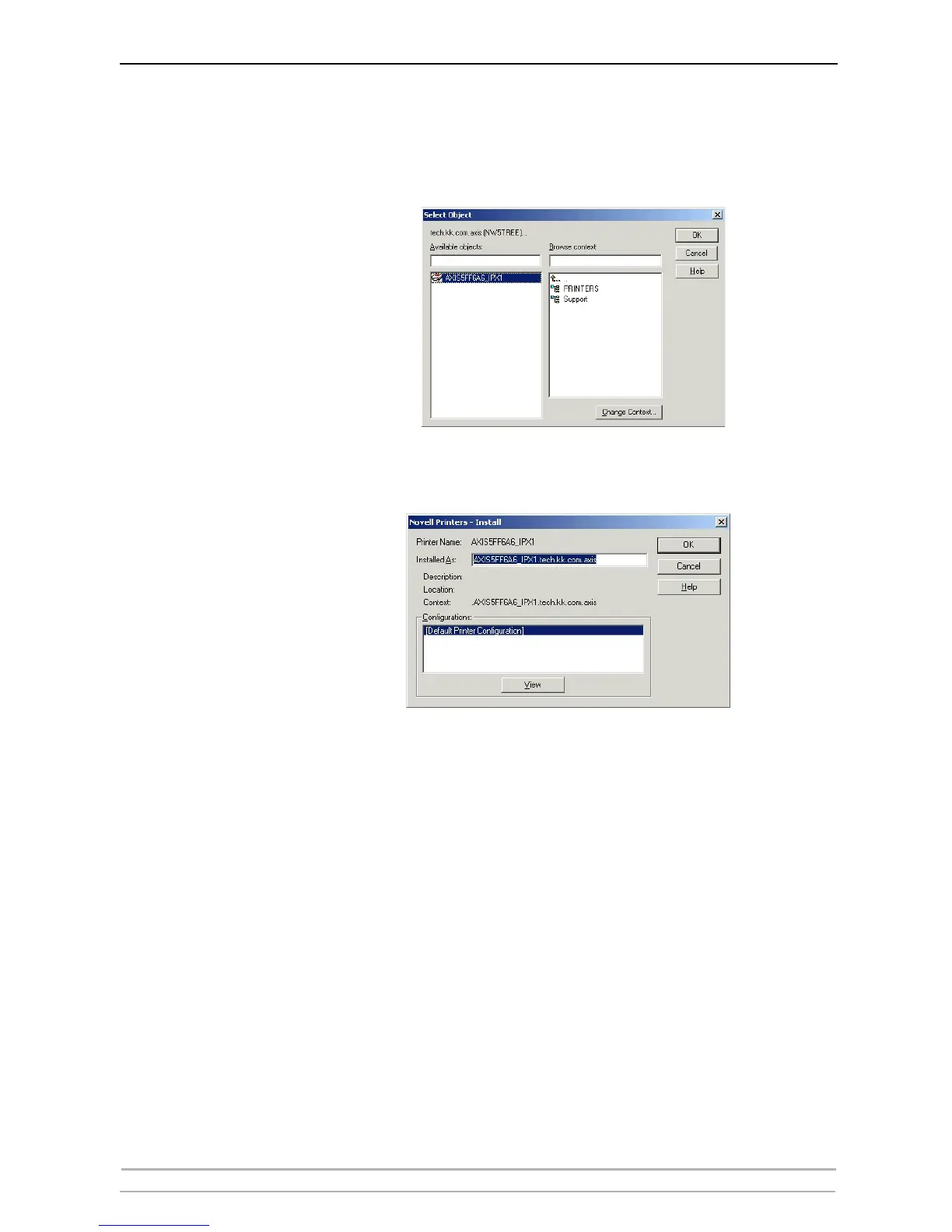
5. The list of available printers shows the NDPS Public Access Printers on the
network and the NDPS Controlled Access Printers in you current NDS
context. To see the Controlled Access Printers in other context that you have
rights to, click the Browse button and select your choice. Click OK.
6. Once selected, click Install. The Novell Printers – Install dialog appears.



 To Next Page