Adding Printers in NetWare
64 AXIS 5900 User’s Manual
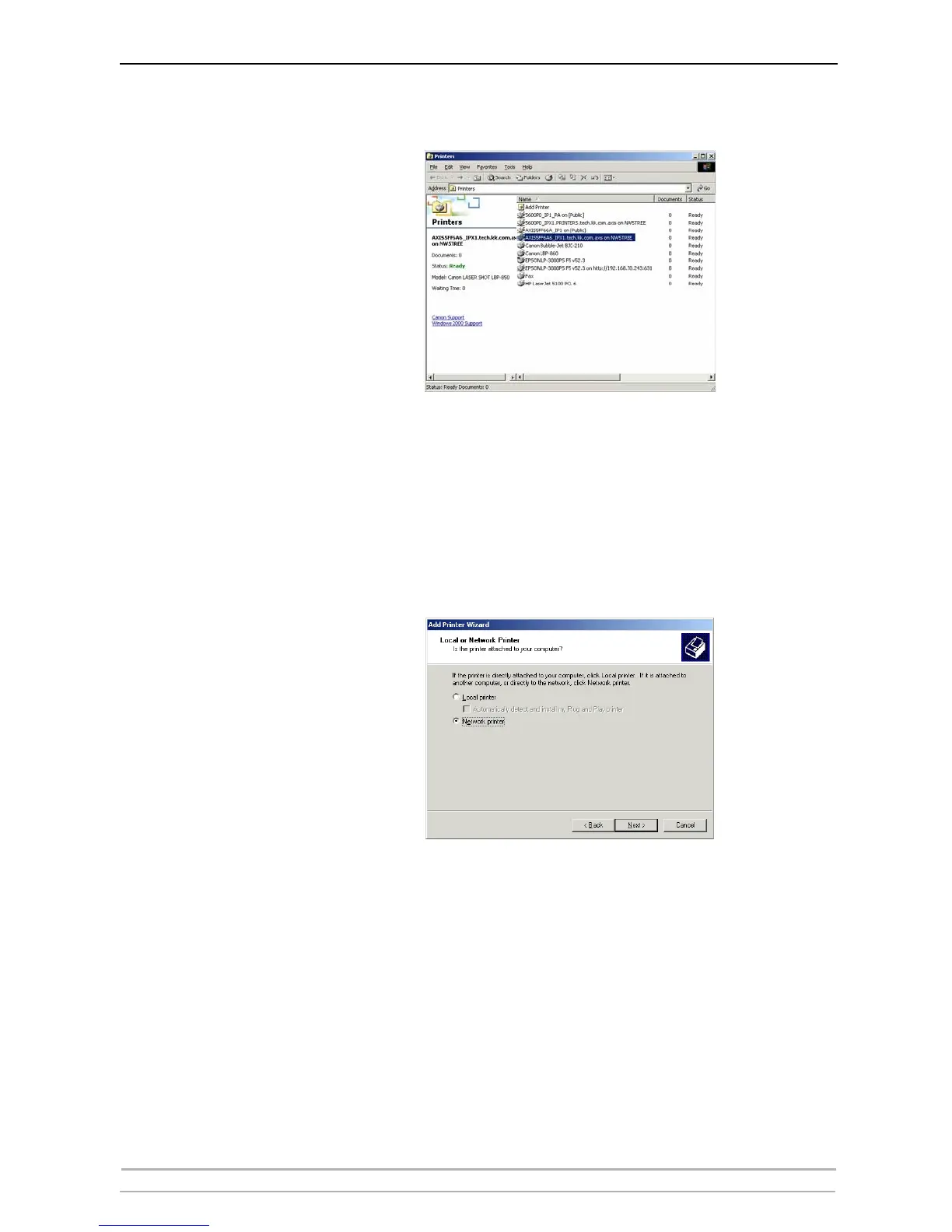
9. Verify by clicking Start - Settings - Printers on the workstation.
Using the Add Printer
Wizard
1. Click Start on your workstation, select Settings =>Printers. There might
be some differences regarding this menu depending of MS Operating
System you are running.
2. Start the Add Printer Wizard on the workstation. The Add Printer Wizard
dialog will appear. Click Next.
3. Select Network printer and click Next.
4. Click Next again in the Locate Your Printer dialog (Win2000/XP) or press
the Browse button (Win9X)



 To Next Page