Adding Printers in NetWare
AXIS 5900 User’s Manual 65
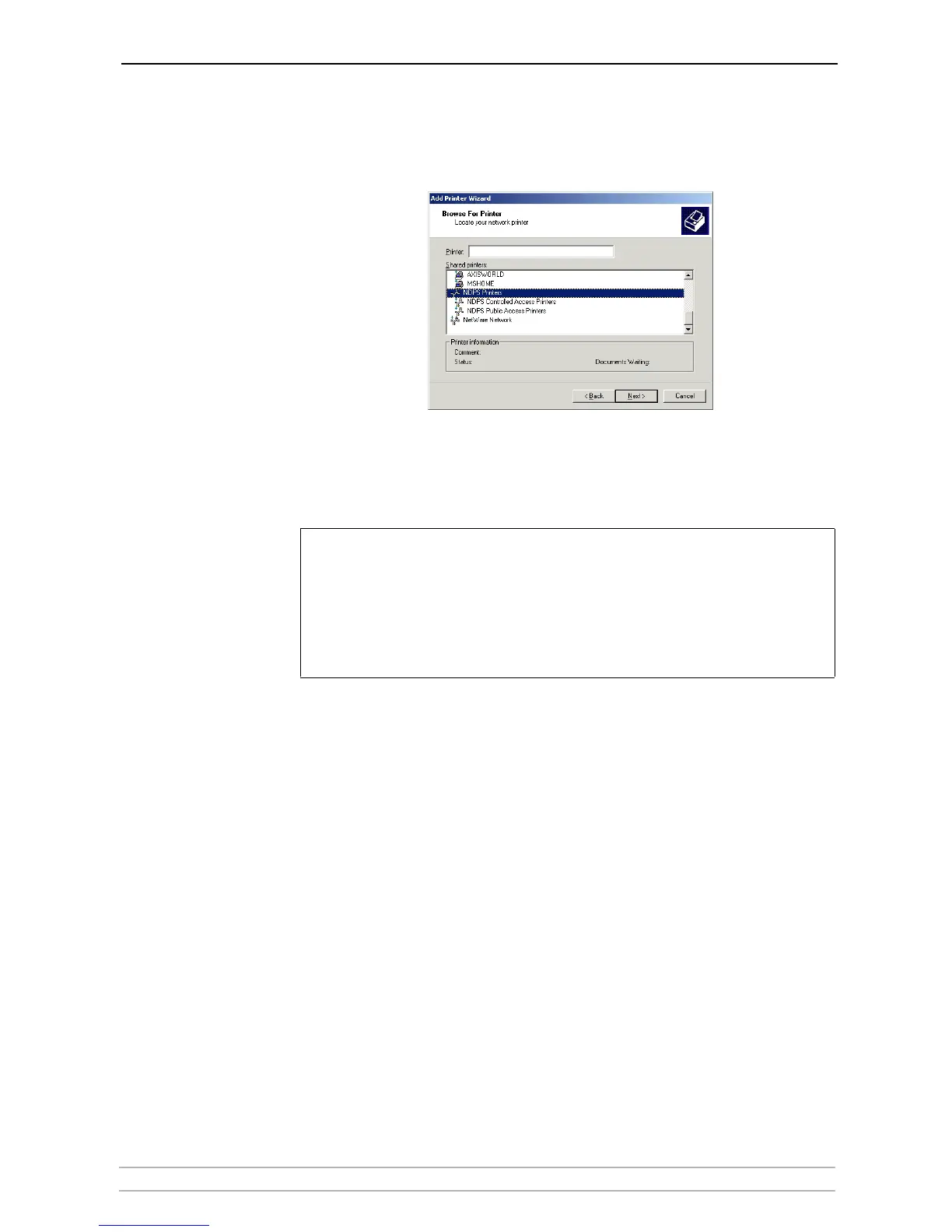
5. Browse to the NDPS Printers. Expand either the NDPS Controlled Access
Printers or the NDPS Public Access Printers folder, select your newly
installed NDPS printer and follow the instructions.
When you have completed these steps, you are ready to start printing.
Notes:
• The Public Access print servers are immediately available for everyone on the network
• The Axis Gateway Configuration Utility is an installation and configuration tool for NDPS
printers in the NetWare environment. The Axis Gateway will appear in NetWare 5.1 and later
releases. You can download the Axis Gateway Configuration Utility for use with earlier
versions of NetWare from www.axis.com.
• To print using TCP/IP, Axis print server firmware 6.1 or later is required. In order to print
using IPX/SPX, Axis print server firmware 5.51 or later is needed.



 To Next Page