AXISD2050-VENetworkRadarDetector
Setup
Imagerequirements:
•Supportedleformatsarejpegandpng.
•Useanimagewiththesameproportions(16:9)orresolution(1920x1080)astheliveview.Iftheimageissmalleritwillbe
scaledtotthewindow.Iftheproportionsarewrong,theimagewillnotlltheentirevideostream.
•Croptheimagetotthecoverageoftheradarascloselyaspossiblebeforeuploadingit.
•Theorientationisnotimportant,sincetheradarcoverageshapewillbemovedtoadapttotheimageduringcalibration.
Afteruploadingthereferencemapyouneedtocalibratetheradarsothattheactualradarcoveragetstheposition,directionand
scaleofthereferencemap.
Therearetwomethodsforcalibratingthereferencemap:
•Calibrationusingpins:Thecalibrationisperformedinthewebinterfacebydroppingpinsinknowlocationsinthe
referencemapandsettingthedistancebetweenthepins.
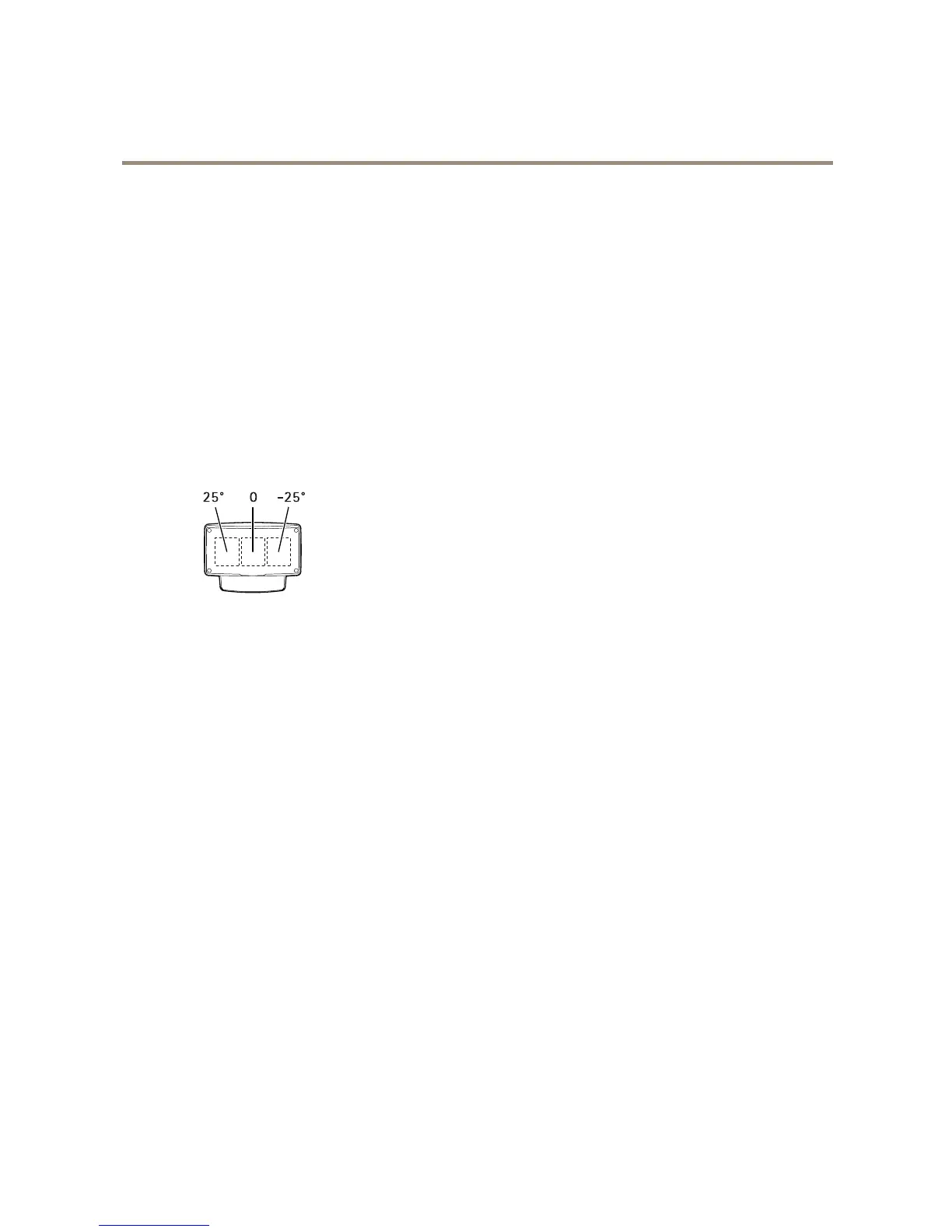
Whencalibratingusingpins,youneedtoselectthemountingpositionoftheradarmoduleinsidethedetector.
•Calibrationusingtracks:Thecalibrationmethodrequiresapersontomoveinfrontoftheradar.
Youcandothisyourselfwhileaccessingthewebinterfacefromamobiledevice,orhavesomeoneelsemoveand
followyourinstructions.
Whenmovingaroundinthedifferentsteps,movetoplacesthatareeasytondinthereferencemap.
Howtocongurethedetector
1.Touploadareferencemap,gotoSettings>Radar>Referencemap.SelectBrowsetondanimagele,andselect
Uploadtoplacetheimageintheliveview.
2.Tocalibratethereferencemap,gotoSettings>Radar>Referencemapcalibration.SelectStartcalibrationand
followtheinstructions.
Howtoinstallmultipledetectors
Iftworadardetectorsofaremountedclosetogethertheymayinterferewitheachother.Toavoidproblems,selectdifferent
channelsforthedetectors.
1.GotoSettings>Radar>GeneralandselectChannel.
Aboutevents
Theeventpagesallowyoutocongureyourproducttoperformactionswhendifferenteventsoccur.Forexample,theproduct
canstartarecordingorsendanemailnoticationwhenmotionisdetected.Thesetofconditionsthatdeneshowandwhen
theactionistriggerediscalledanactionrule.
9


 To Next Page