AXISM1114
AccesstheProduct
ClicktheViewFullScreenbuttonandthevideoimagewilllltheentirescreen.PressESC(Escape)onthecomputer
keyboardtocancelfullscreenview.
TheRecordbuttonisusedtorecordthecurrentvideostream.Thelocationwheretherecordingissavedcanbespeciedin
theAMCControlPanel.EnablethisbuttonfromLiveViewCong>ViewerSettings.
PTZControls
TheLiveViewpagealsodisplaysPan/Tilt/Zoom(PTZ)controls.Theadministratorcanenable/disablecontrolsforspeciedusersunder
SystemOptions>Security>Users.
Note
ThesecontrolsareavailableifdigitalPTZisenabledintheselectedviewarea,seeViewAreaonpage18.
WiththePTZControlQueueenabledthetimeeachuserisincontrolofthePTZsettingsislimited.Clickthebuttonstorequestor
releasecontrolofthePTZcontrols.ThePTZControlQueueissetupunderPTZ>ControlQueue.
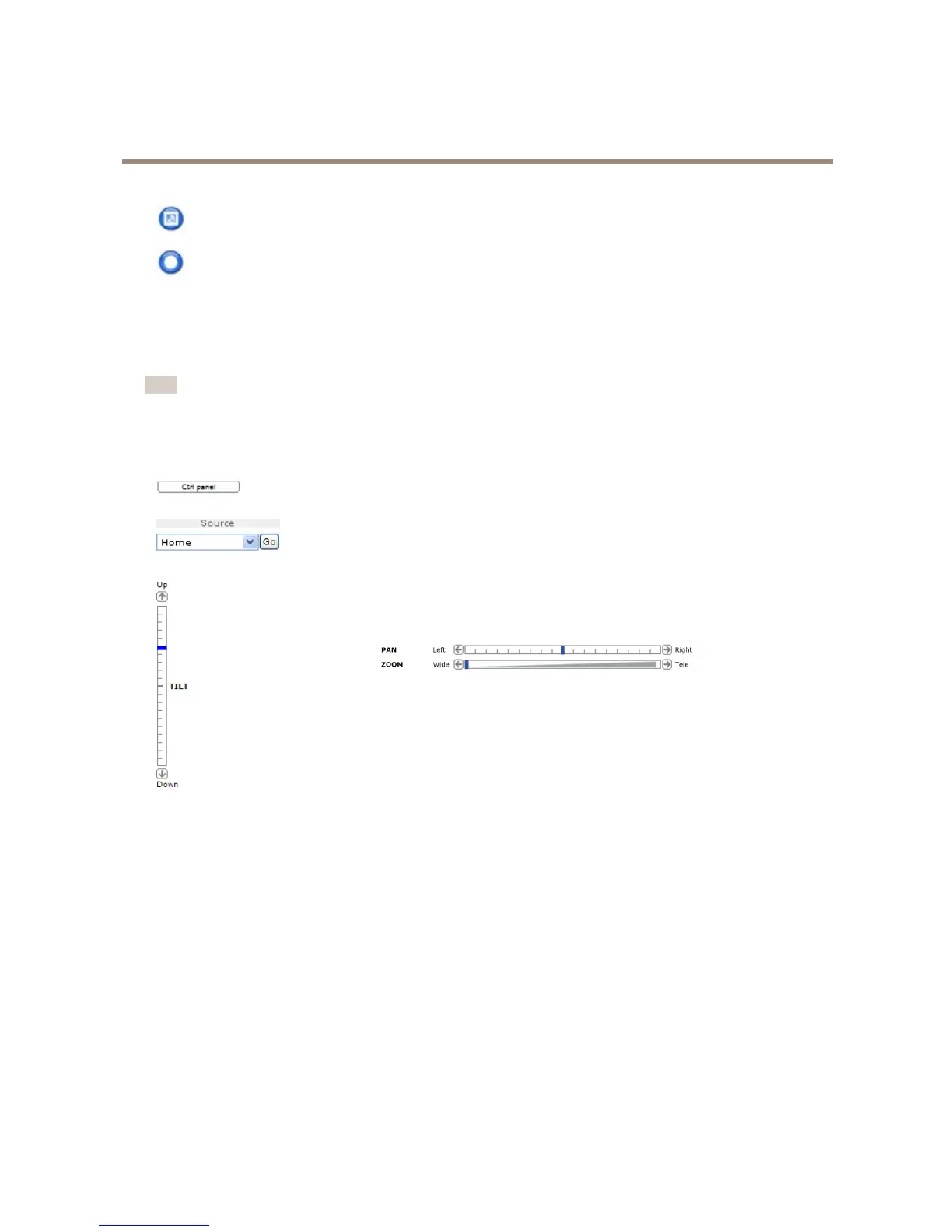
ClicktheCtrlpanelbuttontoopenthePTZcontrolpanelwhichprovidesadditionalPTZcontrols.
User-denedbuttonscanalsoappearintheControlpanel.SeeControlsonpage25.
SelectaPTZpresetpositiontosteerthecameraviewtothesavedposition.SeePresetPositions
onpage24.
PanandTiltbars–Usethearrowstopanandtiltthecameraview,orclickona
positiononthebartosteerthecameraviewtothatposition.
ThePTZcontrolscanbedisabledunderPTZ>Advanced>Controls,seeControlsonpage25.
11



 To Next Page