AXISM30-PNetworkCameraSeries
Quickstartguide
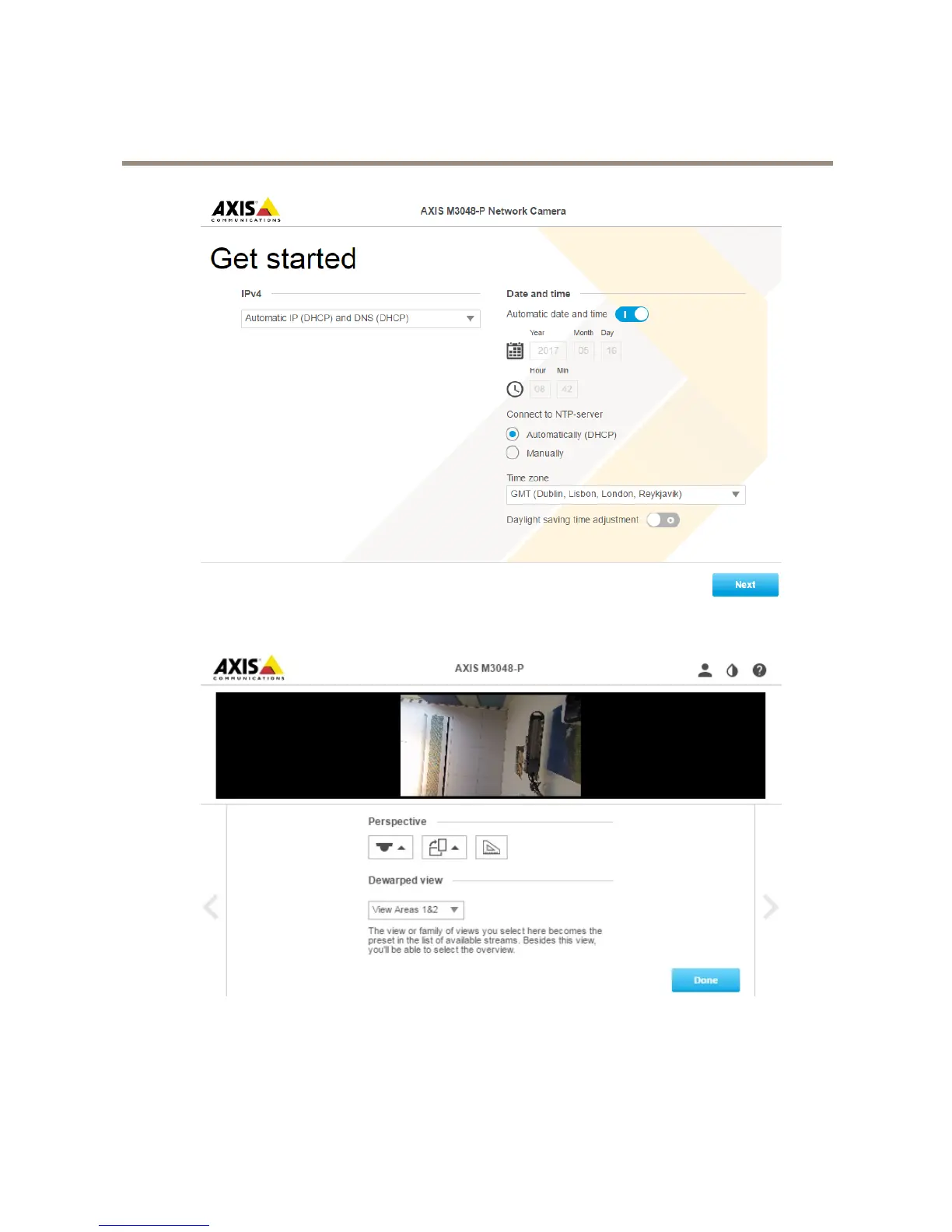
Inthenextstep,settheIPsettingsanddate/time.
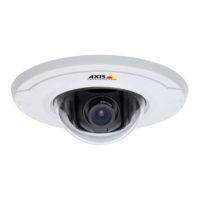
Continueandselecttheperspective/orientationdependingonhowthecameraisinstalled.Inthisstep,youwillselectthepreferred
dewarpedviewaswell(notforFisheyemode).
Inthewallmountmode,someviewsarenotavailableduetothattheydon’ttinthismountoption.Seethetablebelowforthe
availableviewsindifferentperspective/orientationmodes.
6


 To Next Page