AXISM31Series
Setup
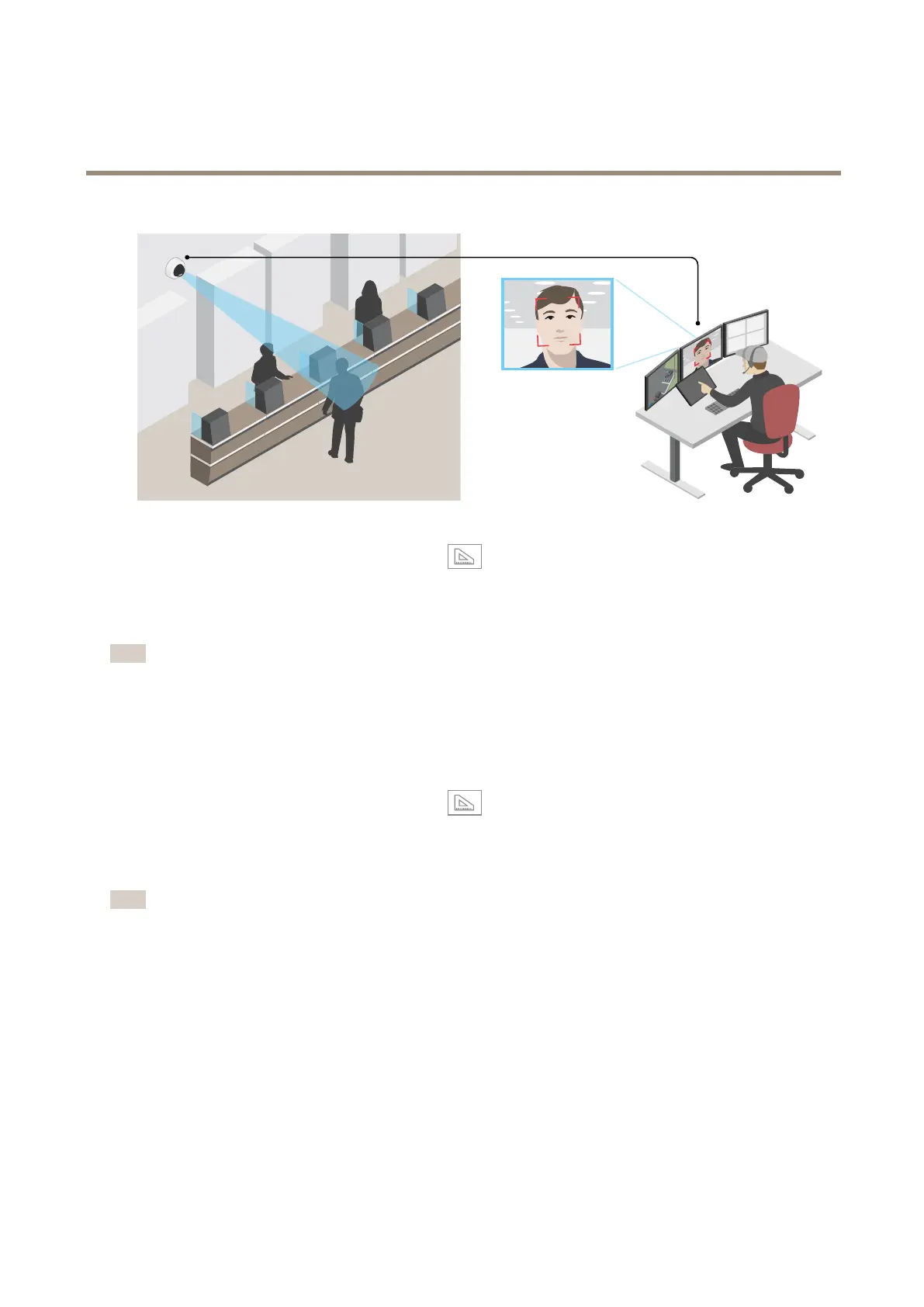
1.GotoSettings>System>Orientationandclick.
2.Inthecamera’sliveview,adjustthesizeandplacementoftherectanglearoundtheareaofinterest,forexample,where
thefacesofpassingpersonsareexpectedtoappear.Youcanthenseethenumberofpixelsrepresentedbythesidesof
therectangle.
Note
Youcanuseanobjectofaknownsizeintheviewasareferencetodecidehowmuchresolutionisneededforrecognition.
Improvelicenseplaterecognition
Tobetterrecognizethelicenseplateofacarpassingbythecamera,youcanapplyandadjustanumberofthings.
Oneoptionistousethepixelcounterinyourcameratosettheoptimalpixelresolution:
1.GotoSettings>System>Orientationandclick
.
2.Adjustthesizeandplacementoftherectangleinthecamera’sliveviewaroundtheareaofinterest,forexample
wherethelicenseplatesofpassingcarsareexpectedtoappear.Youcanthenseethenumberofpixelsrepresentedby
thesidesoftherectangle.
Note
Youcanuseanobjectofaknownsizeintheviewasareferencetodecidehowmuchresolutionisneededforrecognition.
Inaddition,youcantrytoadjustthefollowingtooptimizelicenseplaterecognition:
•Shutterspeed
•Gain
•Zoom
Viewarea
Aviewareaisacroppedpartofthefullview.Youcanstreamandstoreviewareasinsteadofthefullviewtominimizebandwidth
andstorageneeds.IfyouenablePTZforaviewarea,youcanpan,tiltandzoomwithinit.Byusingviewareasyoucanremoveparts
ofthefullview,forexample,thesky.
12



 To Next Page