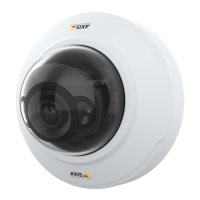
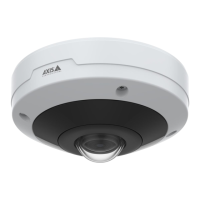
AXISM42NetworkCameraSeries
Additionalsettings
Note
Ifyousettheshifttonightmodetooccurwhenit’sbrighter,theimageremainssharperastherewillbelesslow-light
noise.Ifyousettheshifttooccurwhenit’sdarker,theimagecolorsaremaintainedforlonger,buttherewillbemore
imageblurduetolow-lightnoise.
Reducemotionblurinlow-lightconditions
Toreducemotionblurinlow-lightconditions,adjustoneormoreofthefollowingsettingsinSettings>Image>Exposure:
•MovetheBlur-noisetrade-offslidertowardLowmotionblur.
Note
Whenyouincreasethegain,imagenoisealsoincreases.
•SetMaxshuttertoashortertime,andMaxgaintoahighervalue.
Ifyoustillhaveproblemswithmotionblur:
•Increasethelightlevelinthescene.
•Mountthecamerasothatobjectsmovetowarditorawayfromitratherthansideways.
Handlesceneswithstrongbacklight
Dynamicrangeisthedifferenceinlightlevelsinanimage.Insomecasesthedifferencebetweenthedarkestandthebrightest
areascanbesignicant.Theresultisoftenanimagewhereeitherthedarkorthebrightareasarevisible.Widedynamicrange
(WDR)makesbothdarkandbrightareasoftheimagevisible.
ImagewithoutWDR.
ImagewithWDR.
Note
•WDRcancauseartifactsintheimage.
•WDRmaynotbeavailableforallcapturemodes.
11



 To Next Page