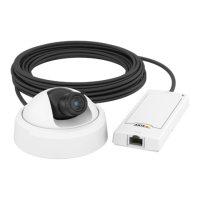
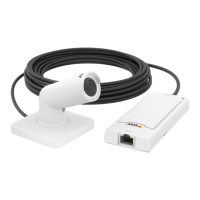
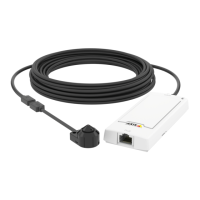
AXISP1264NetworkCamera
HardwareOverview
Amber/RedFlashesamber/redifnetworkconnectionisunavailableorlost.
RedFlashesredforrmwareupgradefailure.
SensorUnits
Itisrecommendedtoconnectthesensorunitstothemainunitbeforepoweringthemainunit.Ifyoudisconnectasensorunit,and
connectadifferentsensorunit,itmaybenecessarytorestartthemainunit.
ShortenSensorUnitCable
Note
•Thesensorunitcablecannotbeextendedorsplit.
•Whenroutingthesensorunitcable,theminimumbendingradiusis40mm.
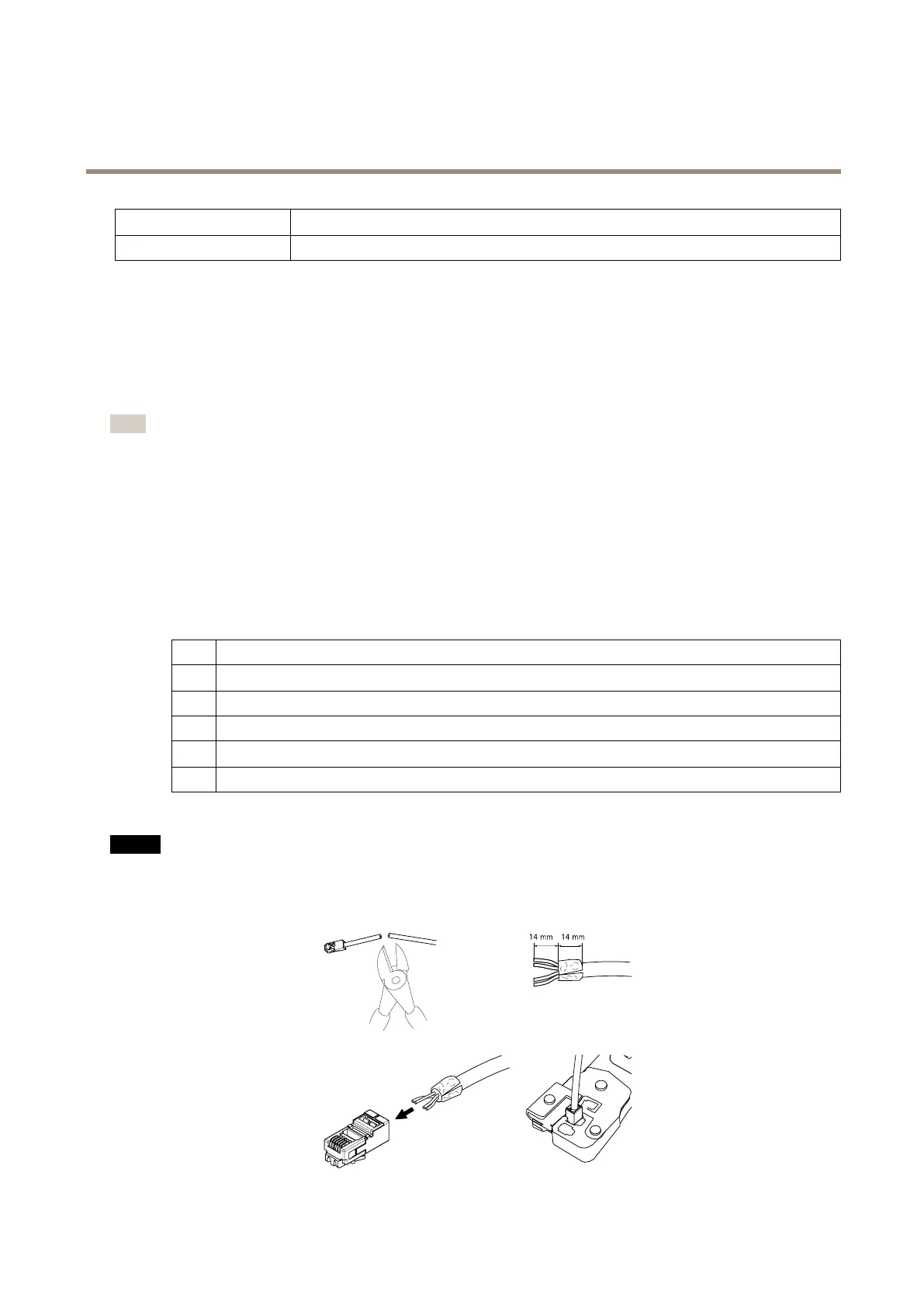
Thesensorunitisdeliveredwithacable.Toshortenthecablefollowthesesteps:
1.Cutthecabletothedesiredlength.Measurefromthesensorunit.
2.Striptheplasticoutercoatingfromtheendofthecable.
3.Peelbacktheshield.
4.Flattenthecoloredwiresintheorderdescribedbelow.
1
Brown
2
White/brown
3
Notused
4
Notused
5
White/blue
6
Blue
5.Insertthewiresallthewayintoashielded6P6CRJ12connector.
NO NO
NO
TICE TICE
TICE
Makesurethatthewiresstayinthecorrectorderandthatthecableshieldmakesgoodcontactwiththeconnectorshield.
6.Useacrimpingtooltofastentheconnectortothecable.
9


 To Next Page