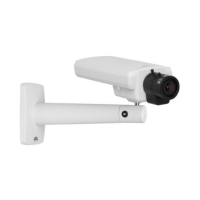
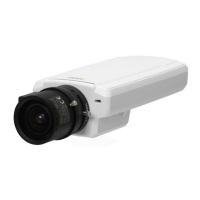
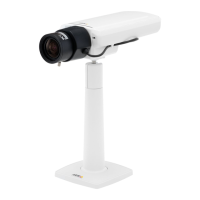
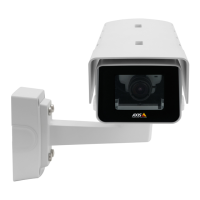
AXIS P1346 Network Camera
Live View Config
Live View Config
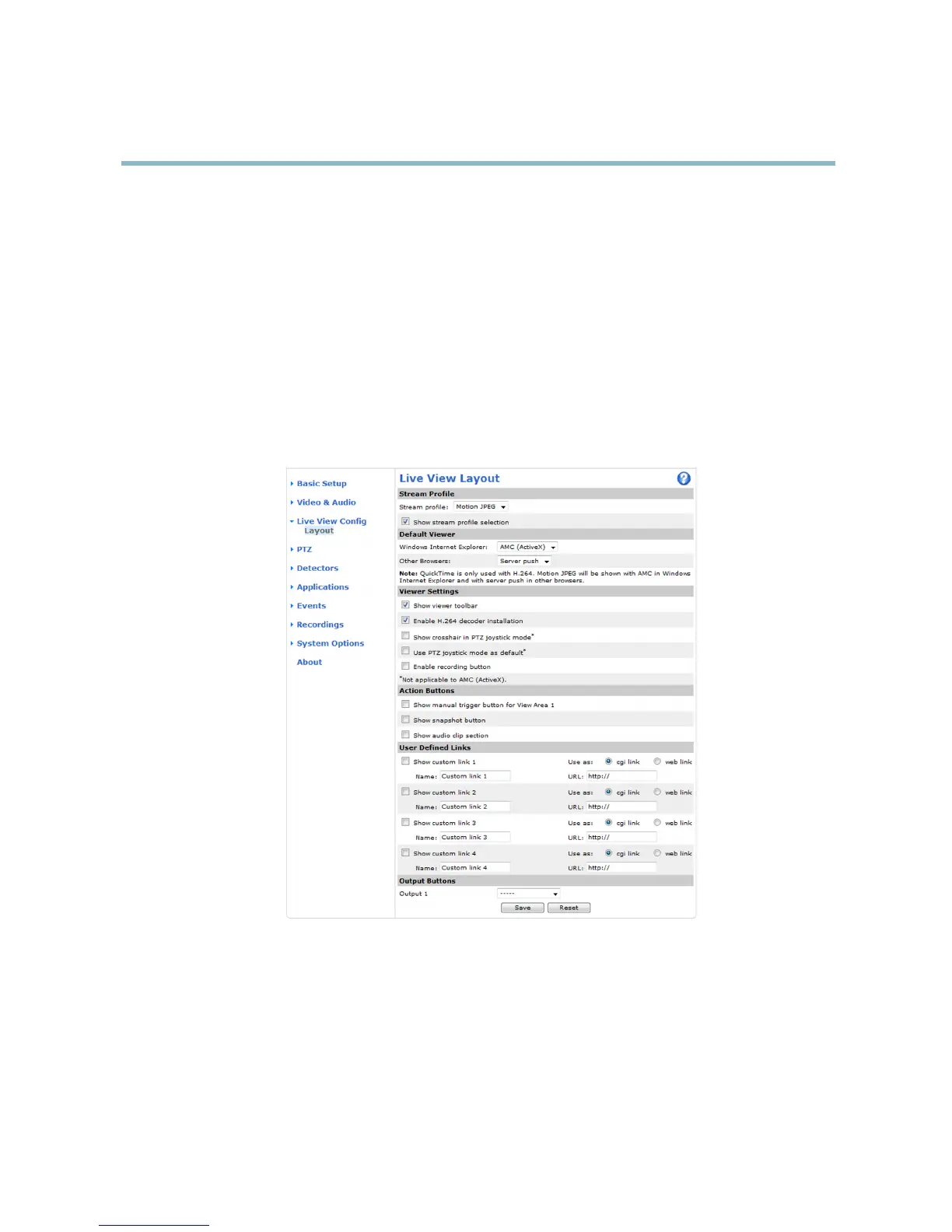
You can customize the Live View page and alter it to suit your requirements. It is possible to define the following features of
theLiveViewpage.
•StreamProfile. See page 20.
• Default Viewer for Browser. See page 27.
• V iewer Settings. See page 28.
• Action Buttons. These are the buttons described in Controls on the Live View page, on page 12.
•UserDefined Links. See page 28.
• O utput Buttons. See page 28.
Default viewer for browsers
From Live View Config > Default Viewer sele ct the default method for viewing video images in your browser. The product attempts
to show the video images in the s elected video format and viewer. If this is not possible, the product overrides the settings and
selects the
best available c ombination.
27



 To Next Page