AXISP14-LEBulletCameraSeries
Learnmore
Learnmore
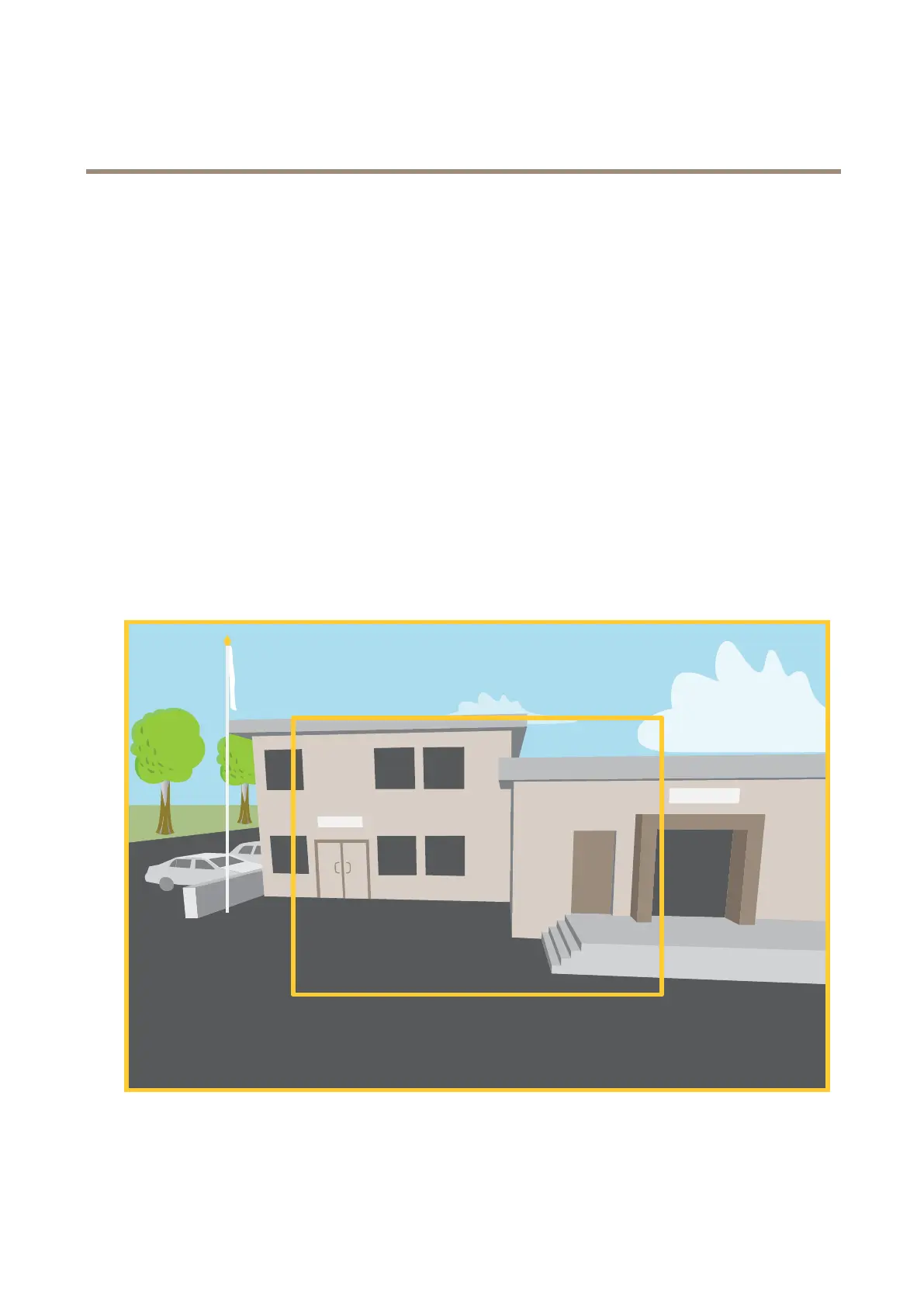
Viewarea
Aviewareaisacroppedpartofthefullview.Youcanstreamandstoreviewareasinsteadofthefullviewtominimizebandwidth
andstorageneeds.IfyouenablePTZforaviewarea,youcanpan,tiltandzoomwithinit.Byusingviewareasyoucanremoveparts
ofthefullview,forexample,thesky.
Whenyousetupaviewarea,werecommendyoutosetthevideostreamresolutiontothesamesizeasorsmallerthantheviewarea
size.Ifyousetthevideostreamresolutionlargerthantheviewareasizeitimpliesdigitallyscaledupvideoaftersensorcapture,
whichrequiresmorebandwidthwithoutaddingimageinformation.
Capturemodes
Acapturemodeisapresetcongurationthatdeneshowthecamerawillcaptureimages.Theselectedmodecanaffectthe
maximumresolutionandmaximumframerateavailableintheAxisproduct.Ifusingacapturemodewithalowerresolutionthan
themaximum,theeldofviewmightbereduced.Thecapturemodealsoaffectstheshutterspeed,whichinturnaffectsthelight
sensitivity—acapturemodewithahighmaximumframeratewillhavereducedlightsensitivity,andviceversa.Notethatwhen
usingcertaincapturemodesyoumightnotbeabletouseWDR.
Thelowerresolutioncapturemodemaybesampledfromtheoriginalresolution,oritmaybecroppedoutfromtheoriginal,in
whichcasetheeldofviewmayalsobeaffected.
Theimageshowshowtheeldofviewandaspectratiocanchangebetweentwodifferentcapturemodes.
49



 To Next Page