AXISP14-LEBulletCameraSeries
Configureyourdevice
3.GotoandselectManual.
4.Adjusttheintensity.
BenetfromIRlightinlow-lightconditionsbyusingnightmode
Yourcamerausesvisiblelighttodelivercolorimagesduringtheday.Butasthevisiblelightdiminishes,colorimagesbecomeless
brightandclear.Ifyouswitchtonightmodewhenthishappens,thecamerausesbothvisibleandnear-infraredlighttodeliverbright
anddetailedblack-and-whiteimagesinstead.Youcansetthecameratoswitchtonightmodeautomatically.
1.GotoVideo>Image>Day-nightmode,andmakesurethattheIR-cutlterissettoAuto.
2.Tosetatwhatlightlevelyouwantthecameratoswitchtonightmode,movetheThresholdslidertowardBrightorDark.
3.Tousethebuilt-inIRlightwhenthecameraisinnightmode,turnonAllowIRilluminationandSynchronizeIR
illumination.
Reducenoiseinlow-lightconditions
Toreducenoiseinlow-lightconditions,youcanadjustoneormoreofthefollowingsettings:
•Adjustthetrade-offbetweennoiseandmotionblur.GotoVideo>Image>ExposureandmovetheBlur-noisetrade-off
slidertowardLownoise.
•Settheexposuremodetoautomatic.
Note
Ahighmaxshuttervaluecanresultinmotionblur.
•Toslowdowntheshutterspeed,setmaxshuttertothehighestpossiblevalue.
Note
Whenyoureducethemaxgain,theimagecanbecomedarker.
•Setthemaxgaintoalowervalue.
•Opentheaperture.
•Reducesharpnessintheimage,underAppearance.
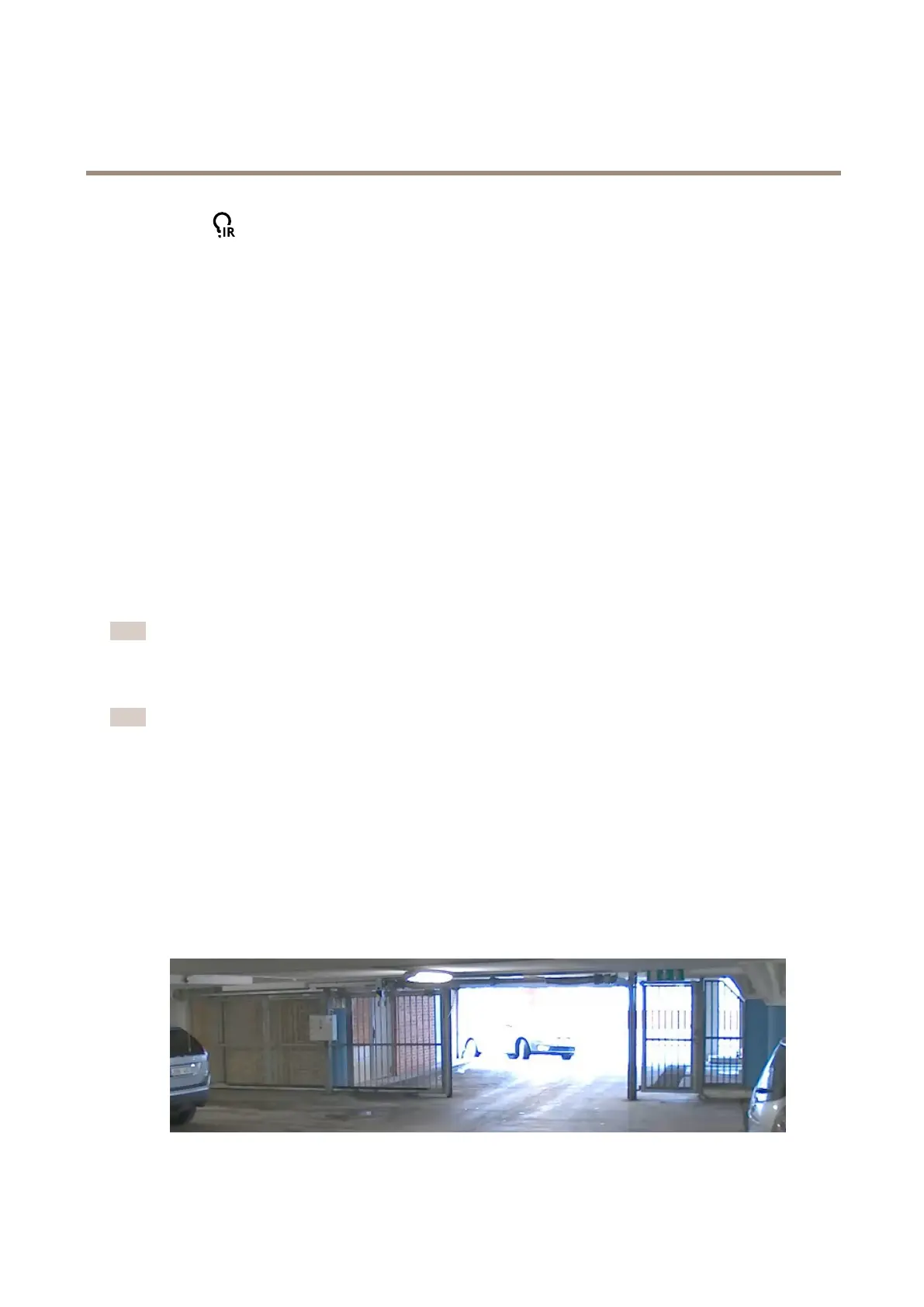
Handlesceneswithstrongbacklight
Dynamicrangeisthedifferenceinlightlevelsinanimage.Insomecasesthedifferencebetweenthedarkestandthebrightest
areascanbesignicant.Theresultisoftenanimagewhereeitherthedarkorthebrightareasarevisible.Widedynamicrange
(WDR)makesbothdarkandbrightareasoftheimagevisible.
ImagewithoutWDR.
7



 To Next Page