AXISP14NetworkCameraSeries
Thewebinterface
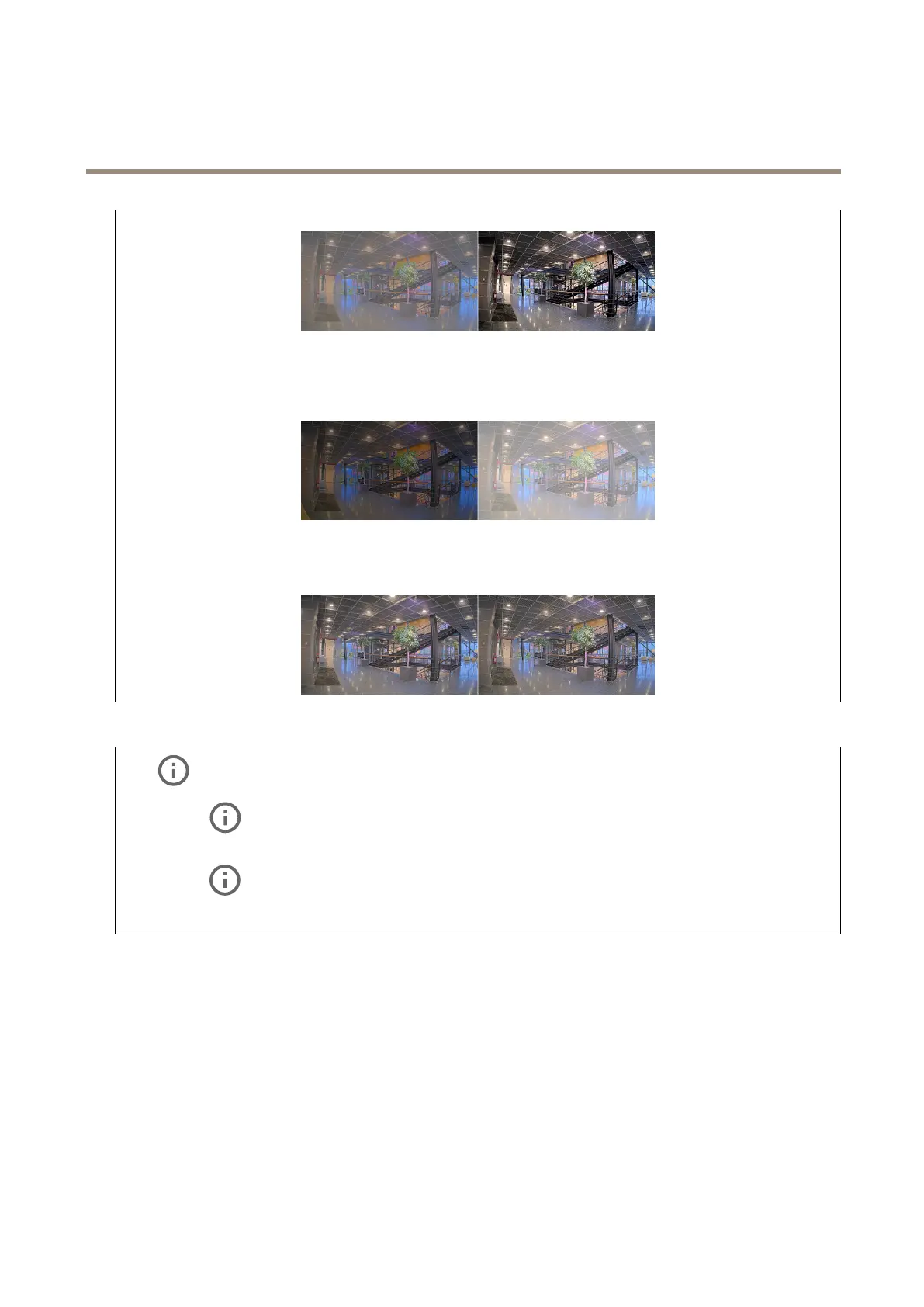
Brightness:Usetheslidertoadjustthelightintensity.Thiscanmakeobjectseasiertosee.Brightnessisappliedafterimage
capture,anddoesn’taffecttheinformationintheimage.Togetmoredetailsfromadarkarea,it’susuallybettertoincrease
gainorexposuretime.
Sharpness:Usetheslidertomakeobjectsintheimageappearsharperbyadjustingtheedgecontrast.Ifyouincreasethe
sharpness,itmayincreasethebitrateandtheamountofstoragespaceneededaswell.
Widedynamicrange
WDR:Turnontomakebothbrightanddarkareasoftheimagevisible.
Localcontrast
:Usetheslidertoadjustthecontrastoftheimage.Ahighervaluemakesthecontrasthigherbetween
darkandlightareas.
Tonemapping:Usetheslidertoadjusttheamountoftonemappingthatisappliedtotheimage.Ifthevalueissetto
zero,onlythestandardgammacorrectionisapplied,whileahighervalueincreasesthevisibilityofthedarkestandbrightest
partsintheimage.
Whitebalance
Whenthecameradetectsthecolortemperatureoftheincominglight,itcanadjusttheimagetomakethecolorslookmorenatural.
Ifthisisnotsufcient,youcanselectasuitablelightsourcefromthelist.
Theautomaticwhitebalancesettingreducestheriskofcolorickerbyadaptingtochangesgradually.Ifthelightingchanges,or
whenthecameraisrststarted,itcantakeupto30secondstoadapttothenewlightsource.Ifthereismorethanonetypeoflight
sourceinascene,thatis,theydifferincolortemperature,thedominatinglightsourceactsasareferencefortheautomaticwhite
balancealgorithm.Thisbehaviorcanbeoverriddenbychoosingaxedwhitebalancesettingthatmatchesthelightsourceyou
wanttouseasareference.
27



 To Next Page