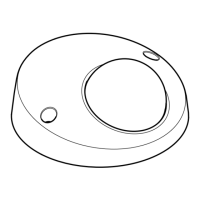
AXISP3935-LRNetworkCamera
Repainttheproduct
Repainttheproduct
Preparations
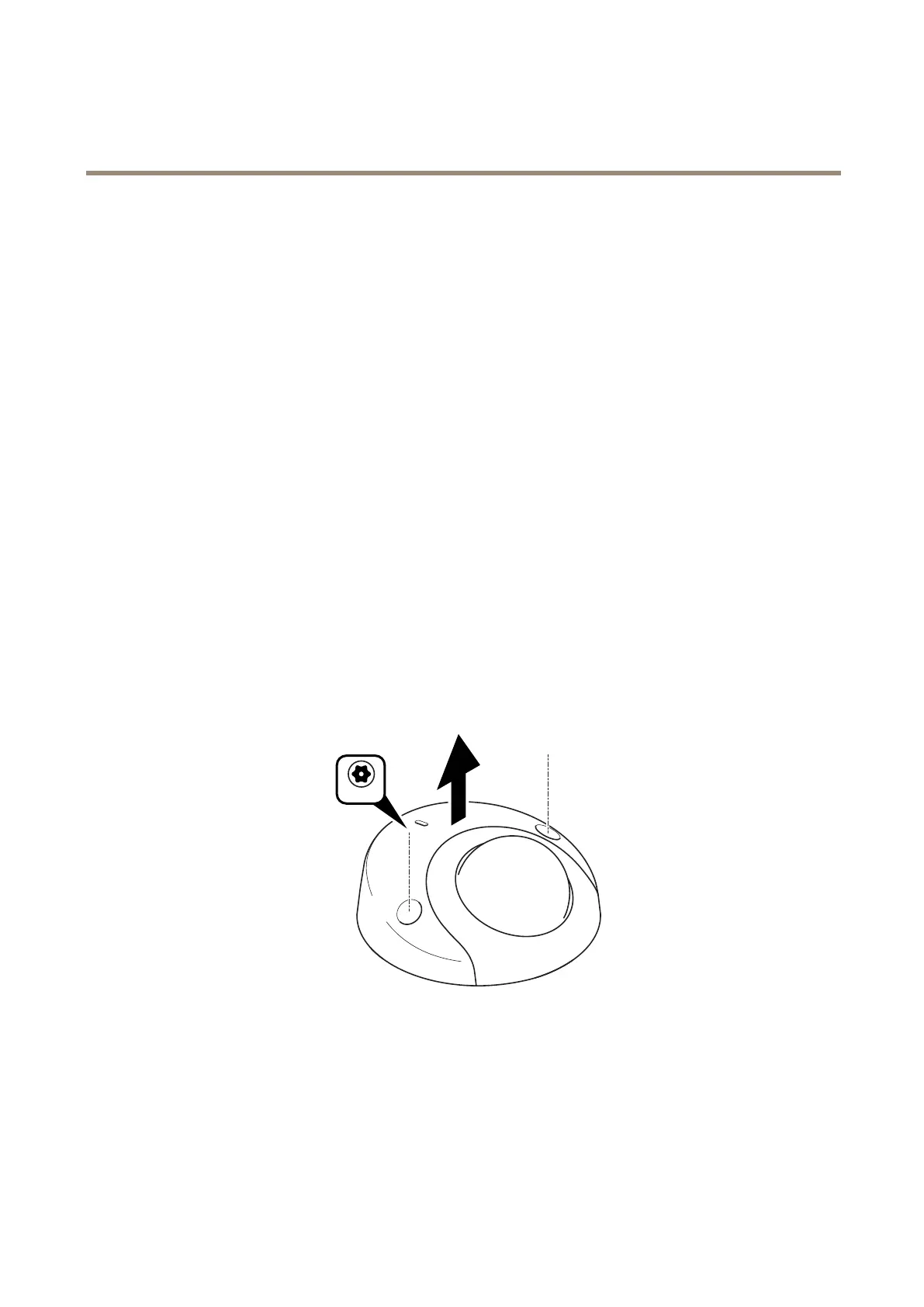
•Ifapplicable,disassemblethedeviceaccordingtotheinstructionsinthisdocument.
•Cleanallpartstoberepaintedthoroughlytoremovegrease,dust,oroil.
•Toensurereassemblyandfunctionalityoftheproduct,maskanyopenings(forexampleforscrews,LEDindicators,
ormicrophones)beforeyoupaint.
Pretreatmentofparts
Dependingonthepartmaterialandtypeofpaintappliedatfactory,differentpretreatmentshouldbedoneforthenewpaintto
adhereaswellaspossible.Cleanthepartsproperlytoremoveoil,greaseanddust.
Formoreinformationonthematerialsusedintheproduct,seeitsdatasheetataxis.com.
Powdercoatedparts-Useaprimer.Alternatively,removetheoriginalpowdercoatingdowntothebasematerial,usingne
sandpaper,andcleanthepartsbeforepainting.
Anodisedandchromatedparts-Useaprimer.
Uncoatedstainlesssteel-Nospecialpretreatmentisneeded,butmakesurethatthesurfaceiscleanbeforepainting.
Plastic-Useaprimer.
Disassembly
3


 To Next Page