AXISP7304VideoEncoder
Configureyourdevice
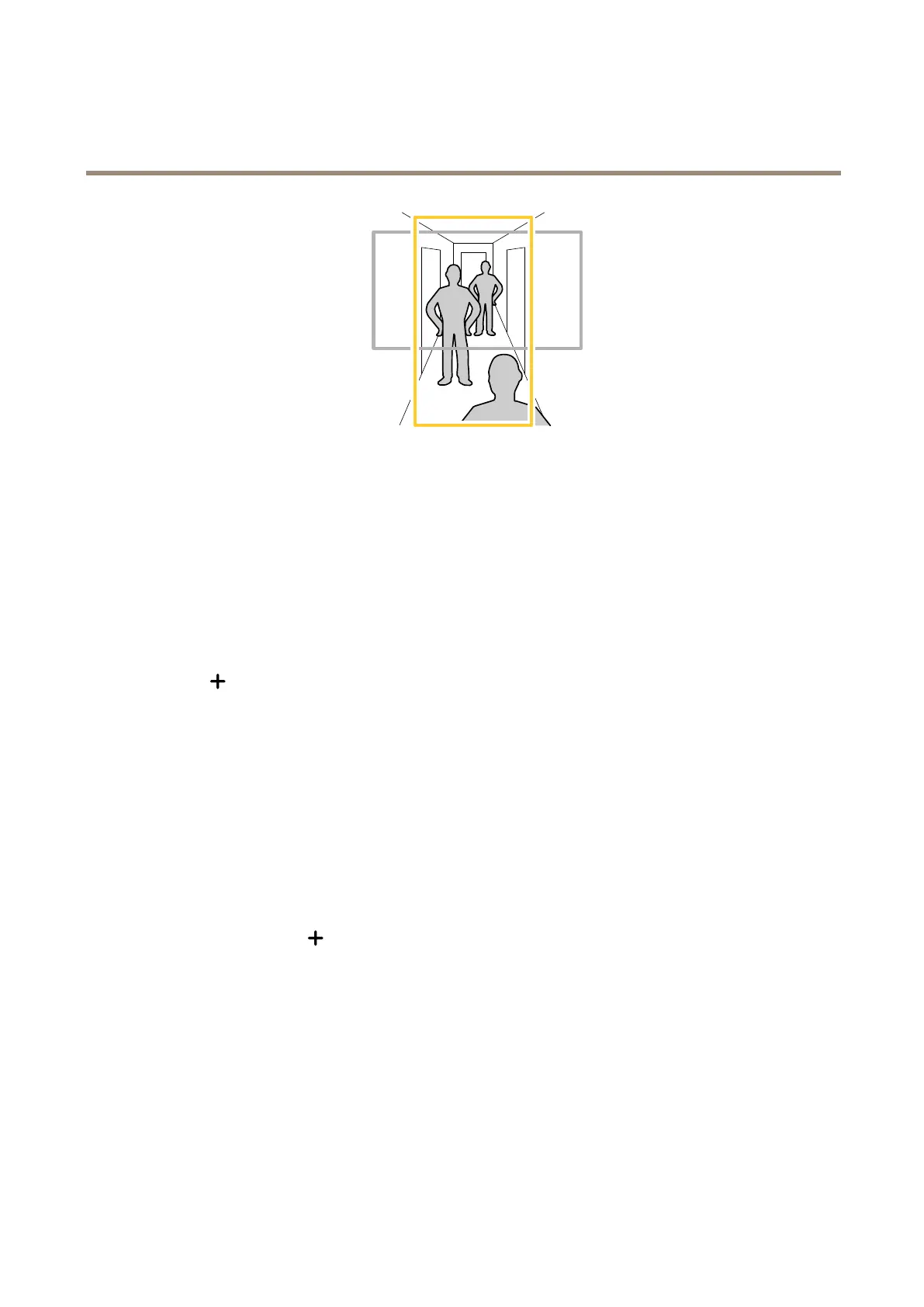
1.Dependingonyourdevice,turnthecameraorthe3-axislensinthecamera90°or270°.
2.Ifthedevicedoesn’thaveautomaticrotationoftheview,gotoVideo>Installation.
3.Rotatetheview90°or270°.
Findoutmoreataxis.com/axis-corridor-format.
Hidepartsoftheimagewithprivacymasks
Youcancreateoneorseveralprivacymaskstohidepartsoftheimage.
1.GotoVideo>Privacymasks.
2.Click
.
3.Clickthenewmaskandtypeaname.
4.Adjustthesizeandplacementoftheprivacymaskaccordingtoyourneeds.
5.Tochangethecolorforallprivacymasks,expandPrivacymasksandselectacolor.
SeealsoPrivacymasksonpage37
Showanimageoverlay
Youcanaddanimageasanoverlayinthevideostream.
1.GotoVideo>Overlays.
2.SelectImageandclick
.
3.GototheImagestab.
4.Draganddropanimage.
5.ClickUpload.
6.GototheManageoverlaytab.
7.Selecttheimageandaposition.Youcanalsodragtheoverlayimageintheliveviewtochangetheposition.
6



 To Next Page