AXIS Q35 Series
Setup
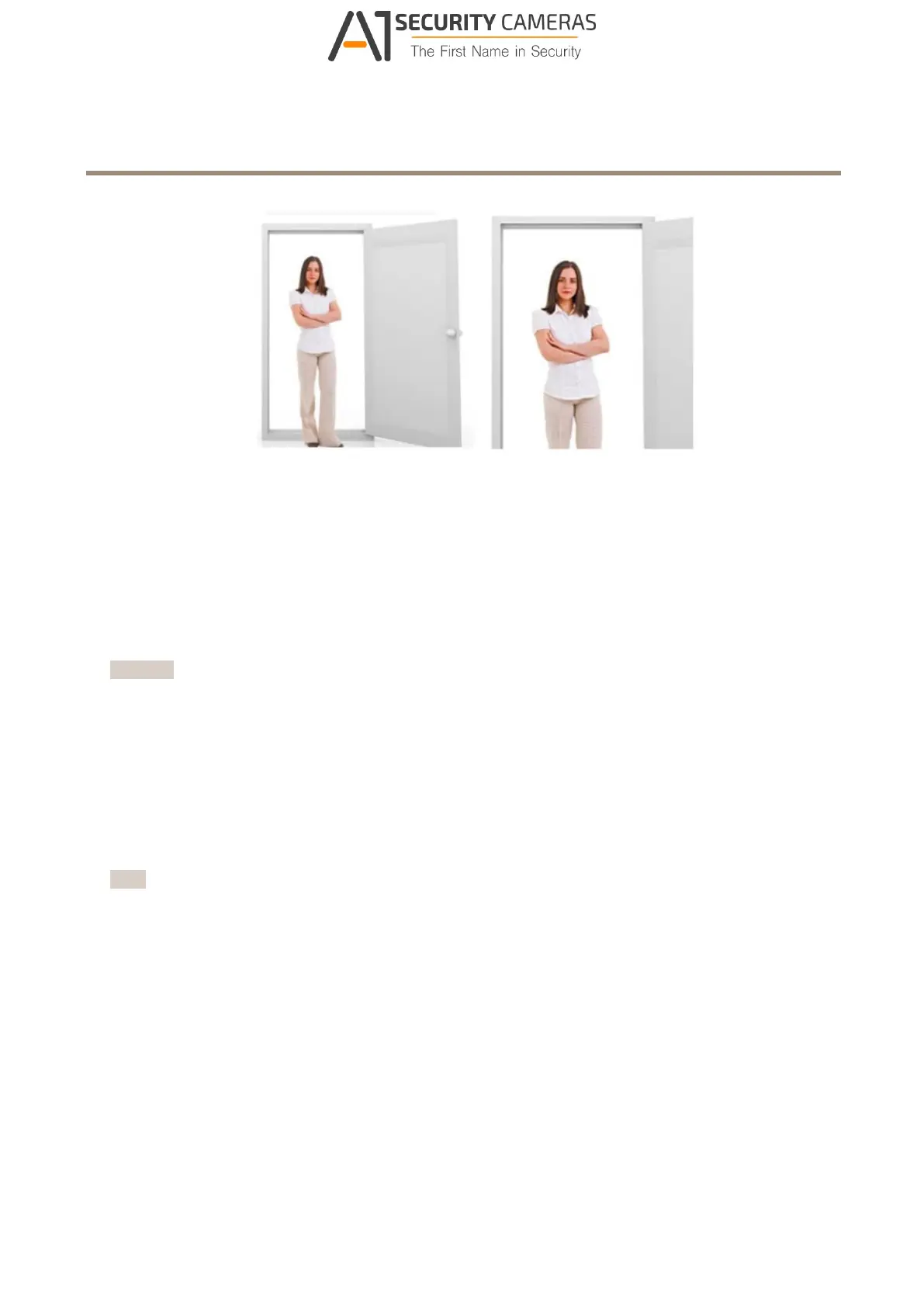
Left: no zoom. Right: remote zoom applied.
How to hide parts of the image with privacy masks
What is a privacy mask?
A privacy mask is a user-dened area that prevents users from viewing a part of the monitored area. In the video stream, privacy
masks appear as blocks of solid color or blurred image elements.
You’ll see the privacy mask on all snapshots, recorded video, and live streams.
You can use the VAPIX® application programming interface (API) to turn off the privacy masks.
Important
Using multiple privacy masks may affect the product’s performance.
How to create a privacy mask
To create a privacy mask, go to Settings > Privacy mask .
How to reduce noise in low-light conditions
To reduce noise in low-light conditions, you can adjust one or more of the following settings:
• Make sure that the exposure mode is automatic.
Note
Increasing the max shutter value can result in motion blur.
• The shutter speed should be as slow as possible, which means you should set max shutter to the highest possible value.
• Reduce sharpness in the image.
How to benet from IR light in low-light conditions using night mode
Your camera uses visible light to deliver color images during the day. As light diminishes, you can set the camera to automatically
shift to night mode. In night mode the camera uses both visible light and near-infrared light to deliver black-and-white images.
Since the camera uses more of the available light it can deliver brighter, more detailed, images.
1. Go to Settings > Image > Day and night, and make sure that the IR cut lter is set to Auto.
7
Available from A1 Security Cameras
www.a1securitycameras.com email: sales@a1securitycameras.com



 To Next Page