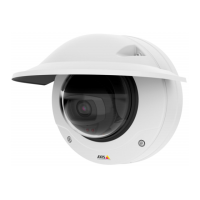
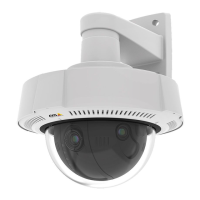
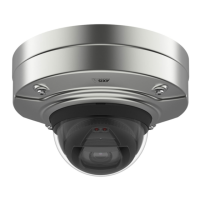
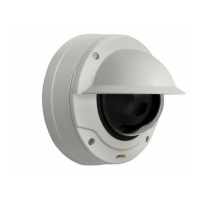
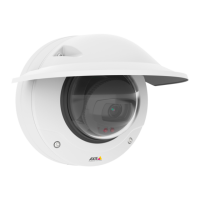
AXISQ36DomeCameraSeries
Thedeviceinterface
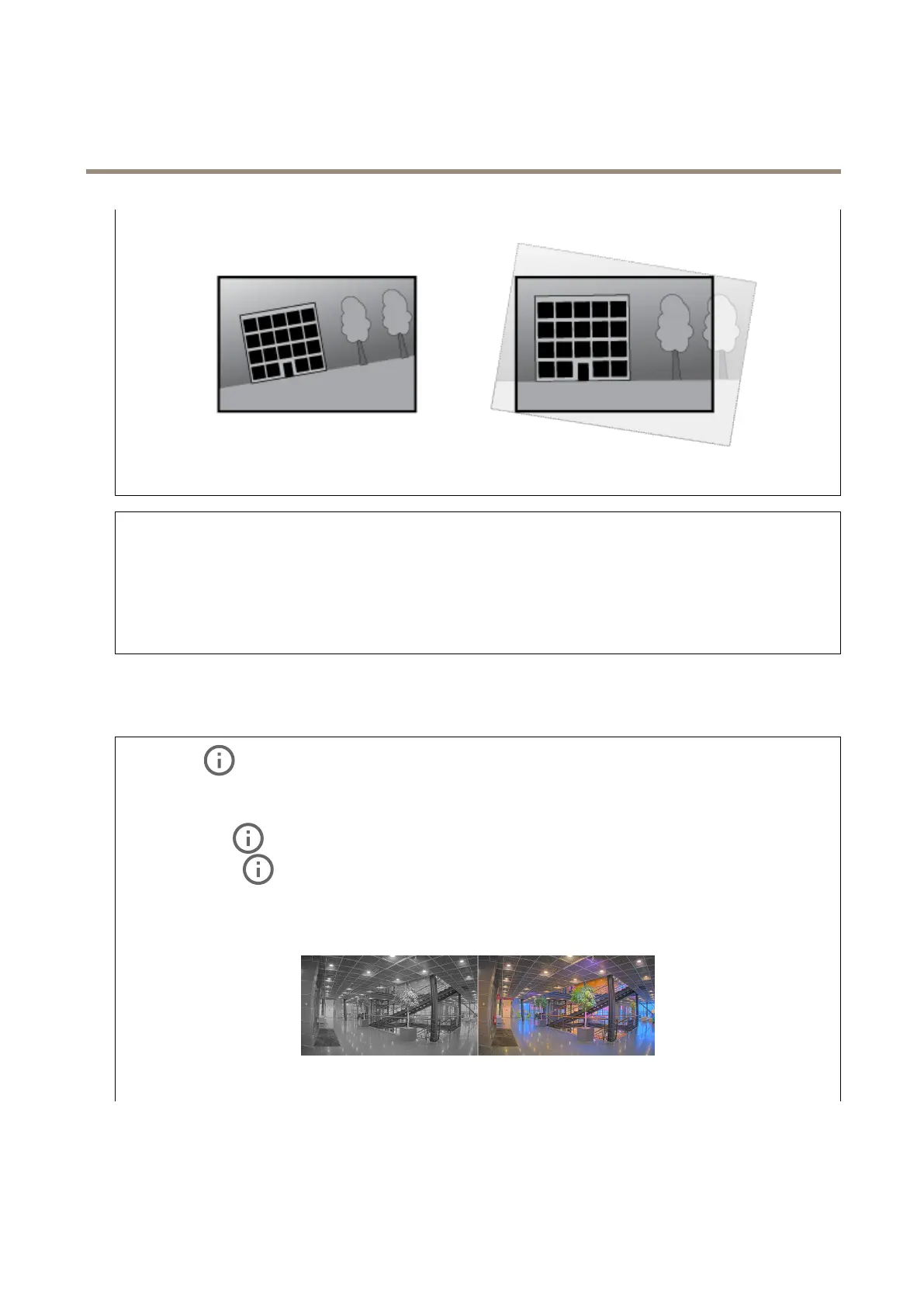
Theimagebeforeandafterithasbeenstraightened.
ResetPTR:ResetPTRifforsomereasonthePan,Tilt,orRollsettingsaren’tworkingasexpected.ThePTRmotorsarealways
calibratedinanewcamera.Butcalibrationcanbelostforexampleifthecameralosespowerorifthemotorsaremovedbyhand.
WhenyouresetPTRthecameraisre-calibratedandreturnstoitsfactorydefaultposition.
Pan:Turnthecamerahorizontally.
Tilt:Turnthecameravertically.
Roll:Rotatetheimage.
Image
Appearance
Sceneprole:Selectasceneprolethatsuitsyoursurveillancescenario.Asceneproleoptimizesimagesettings,
includingcolorlevel,brightness,sharpness,contrast,andlocalcontrast,foraspecicenvironmentorpurpose.
•Forensic:Suitableforsurveillancepurposes.
•Indoor
:Suitableforindoorenvironments.
•Outdoor:Suitableforoutdoorenvironments.
•Vivid:Usefulfordemonstrationpurposes.
•Trafcoverview:Suitableforvehicletrafcmonitoring.
Saturation:Usetheslidertoadjustthecolorintensity.Youcanforexamplegetagrayscaleimage.
Contrast:Usetheslidertoadjustthedifferencebetweenlightanddark.
23


 To Next Page