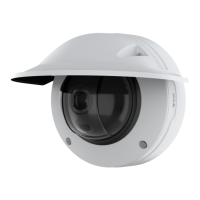
AXISQ3819-PVENetworkCamera
Learnmore
1
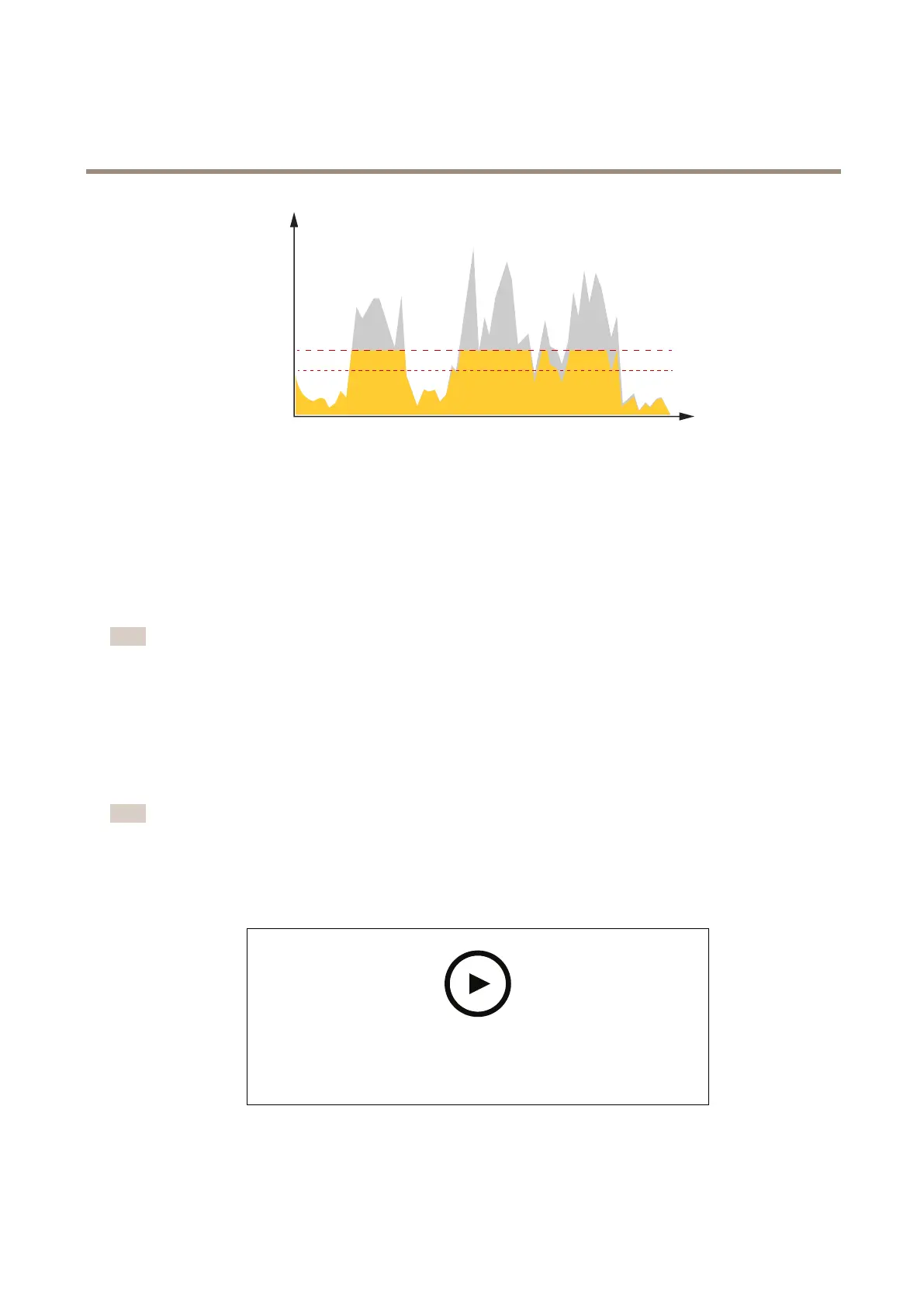
Targetbitrate
2
Actualaveragebitrate
Applications
Withapplications,youcangetmoreoutofyourAxisdevice.AXISCameraApplicationPlatform(ACAP)isanopenplatformthat
makesitpossibleforthirdpartiestodevelopanalyticsandotherapplicationsforAxisdevices.Applicationscanbepreinstalledonthe
device,availablefordownloadforfree,orforalicensefee.
TondtheusermanualsforAxisapplications,gotohelp.axis.com.
Note
•Severalapplicationscanrunatthesametimebutsomeapplicationsmightnotbecompatiblewitheachother.Certain
combinationsofapplicationsmightrequiretoomuchprocessingpowerormemoryresourceswhenruninparallel.Verify
thattheapplicationsworktogetherbeforedeployment.
One-clickPTZcontrol
Withone-clickPTZcontrolyoucanconnectyourpanoramiccameratoaremoteAxisPTZcameraandcontrolitfromthelive
view.Thisgivesyoutheoptiontocombineyourpanoramiccamera'swidecoveragewithPTZfunctionality,suchasfollowing
movingobjectsandzoomingin/out.
Note
InstallthePTZcamerawithin1m(3ft.)fromyourpanoramiccamerawhenyouuseone-clickPTZcontrol.
Congureone-clickPTZcontrol
Towatchthisvideo,gotothewebversionofthisdocument.
help.axis.com/?&piaId=57954§ion=congure-one-click-ptz-control
Howtocongureone-clickPTZcontrolinAxispanoramiccameras.
1.Downloadandinstalltherequiredcongurationapps:
53



 To Next Page