AXISQ8665-EPTZNetworkCamera
AccesstheProduct
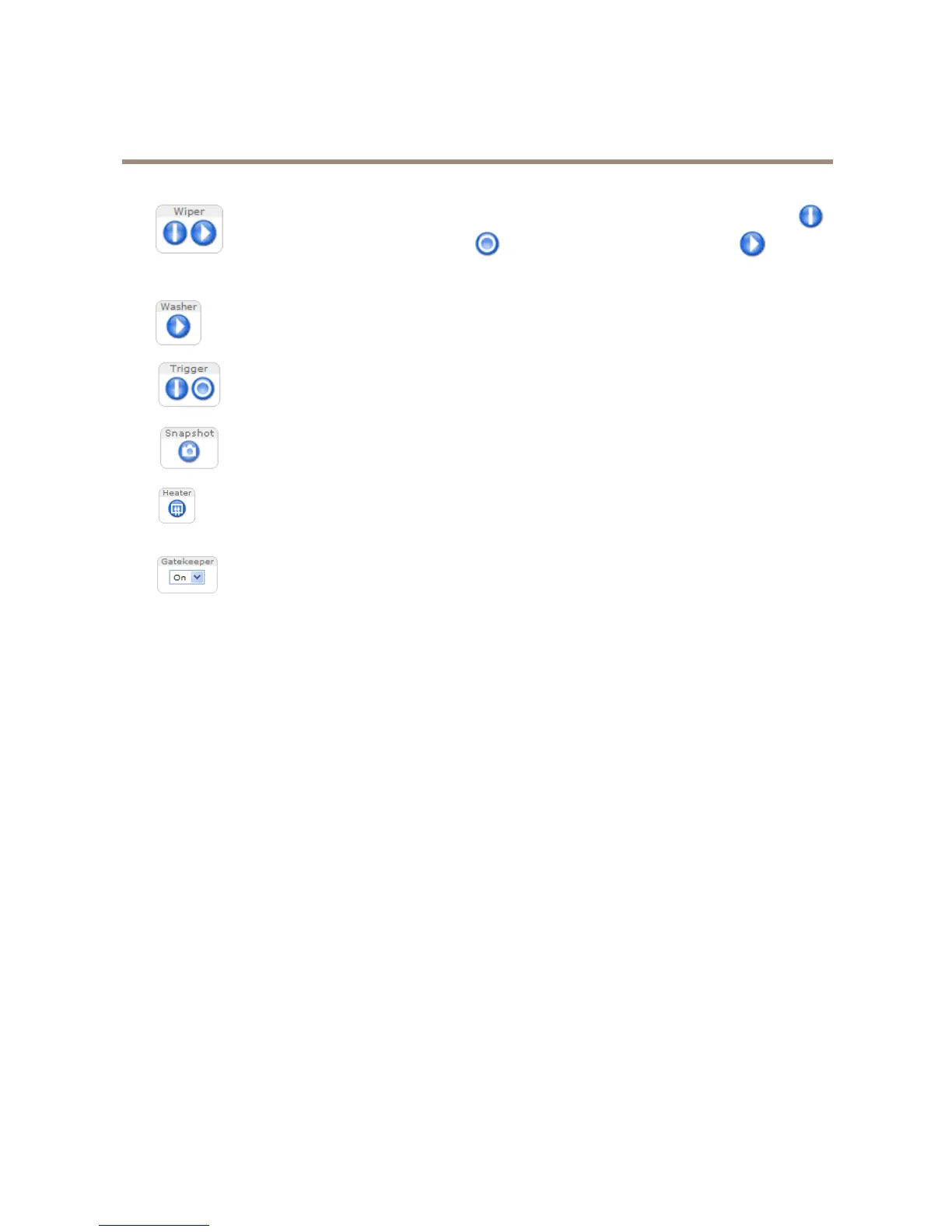
Theproductisequippedwithawipertoenablewipingoftheprotectivewindow.ClickStartwiper
tostartthewiper.ClickStopwipertostopthewiper.ClickStartwipersequencetoactivate
thewiperforasetamountoftime.Forinformationabouthowtocongurethewiper,seeCongure
theWiperonpage30.
Theproductcanbeequippedwithawashertoenablecleaningoftheprotectivewindow.ClickStart
washtostartthewashingsequence.Forinformationaboutthewashingsequenceandhowtoenable
andcongurethewasher,seeConguretheWasheronpage30.
TheManualTriggerbuttonisusedtotriggeranactionrulefromtheLiveViewpage.Forinformation
abouthowtocongureandenablethebutton,seeManualTriggeronpage12.
ClickSnapshottosaveasnapshotofthevideoimage.Thisbuttonisprimarilyintendedforusewhen
theAXISMediaControlviewertoolbarisnotavailable.EnablethisbuttonfromLiveViewCong>
ActionButtons.
Theproduct’sheateriscontrolledbytheambienttemperatureandisturnedonandoffautomatically.
Ifrequired,theheatercanbeactivatedmanuallybyclickingtheHeaterbutton.Toshowthebutton,
gotoSetup>LiveViewCong.UnderActionButtons,selectShowheaterbuttonandspecifythe
numberofminutestheheatershouldbeactivated.
EnableordisabletheGatekeeperbyselectingOnorOfffromthedrop-downlist.Formoreinformation
abouttheGatekeeper,seepage28.
ManualTrigger
TheManualTriggerisusedtotriggeranactionrulefromtheLiveViewpage.Themanualtriggercanforexamplebeusedto
validateactionsduringproductinstallationandconguration.
Tocongurethemanualtrigger:
1.GotoSetup>Events.
2.ClickAddtoaddanewactionrule.
3.FromtheTriggerdrop-downlist,selectInputSignal.
4.Fromtheseconddrop-downlist,selectManualTrigger.
5.Selectthedesiredactionandconguretheothersettingsasrequired.
Formoreinformationaboutactionrules,seeEventsonpage37.
ToshowthemanualtriggerbuttonsintheLiveViewpage:
1.GotoSetup>LiveViewCong.
2.UnderActionButtons,selectShowmanualtriggerbutton.
AXISMediaControlviewertoolbar
TheAXISMediaControlviewertoolbarisavailableinInternetExploreronly.SeeAXISMediaControl(AMC)onpage14formore
information.Thetoolbardisplaysthefollowingbuttons:
12



 To Next Page