AXISQ8665-EPTZNetworkCamera
CleantheWiper
CleantheWiper
NO NO
NO
TICE TICE
TICE
•Riskofdamagetotheequipment.Donotbendorchangethepositionofthewiperbladewhencleaningit.
•Riskofdamagetotheequipment.Makesurethepan/tiltunitisnotinoperationwhencleaningorchaningthewiper.
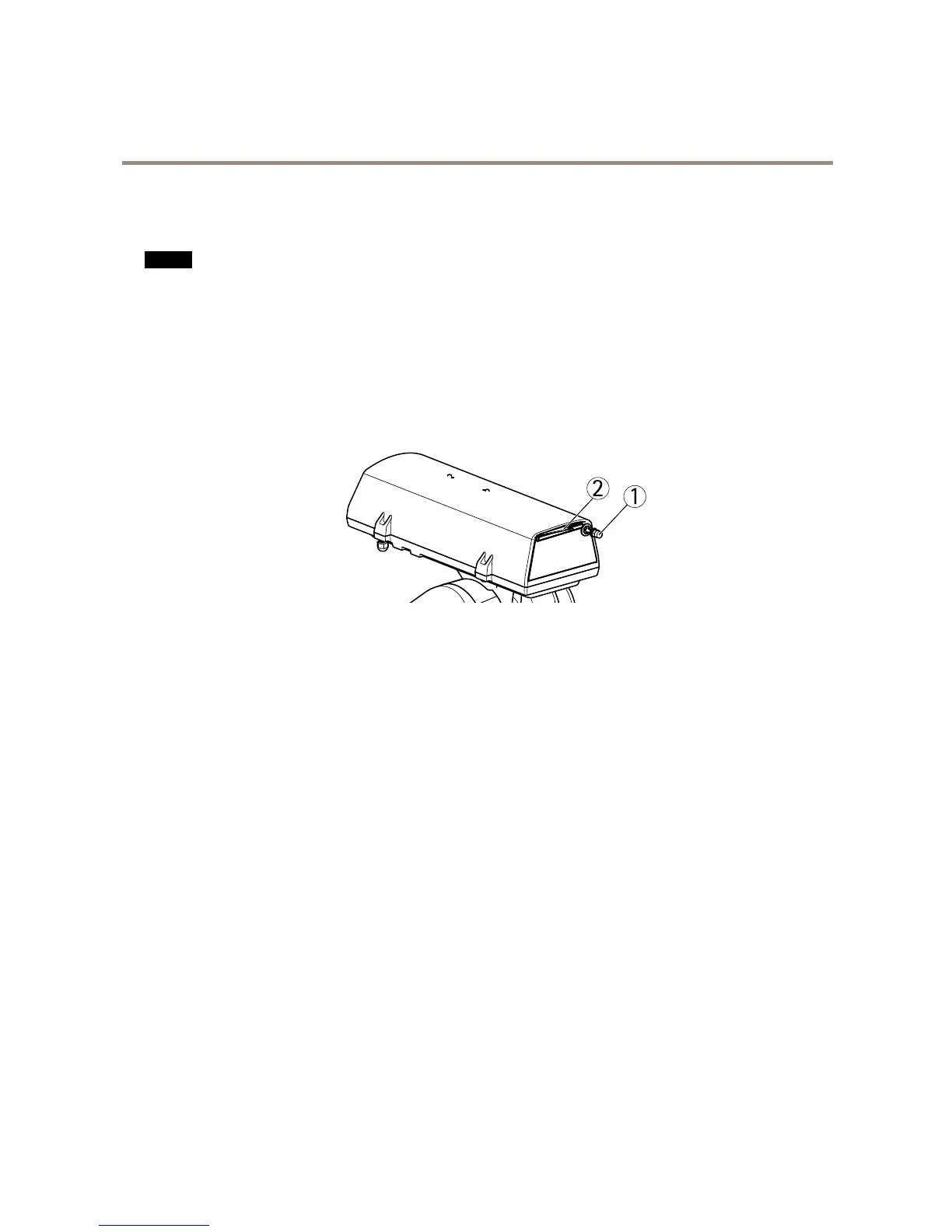
1.Cleantherubberonthewiperusingrecommendedcleaningagents.
2.Carefullyadjustthewipersothattherubberispositionedagainstthefrontwindow,makingsurethewipercancleanthe
windowcorrectly.
3.Ifnecessary,changethewiperbyremovingthenut.



 To Next Page