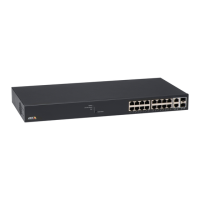
AXIST8516POE+NetworkSwitch
5
SFPslot17-18
6
Powerconnector
7
Productlabel
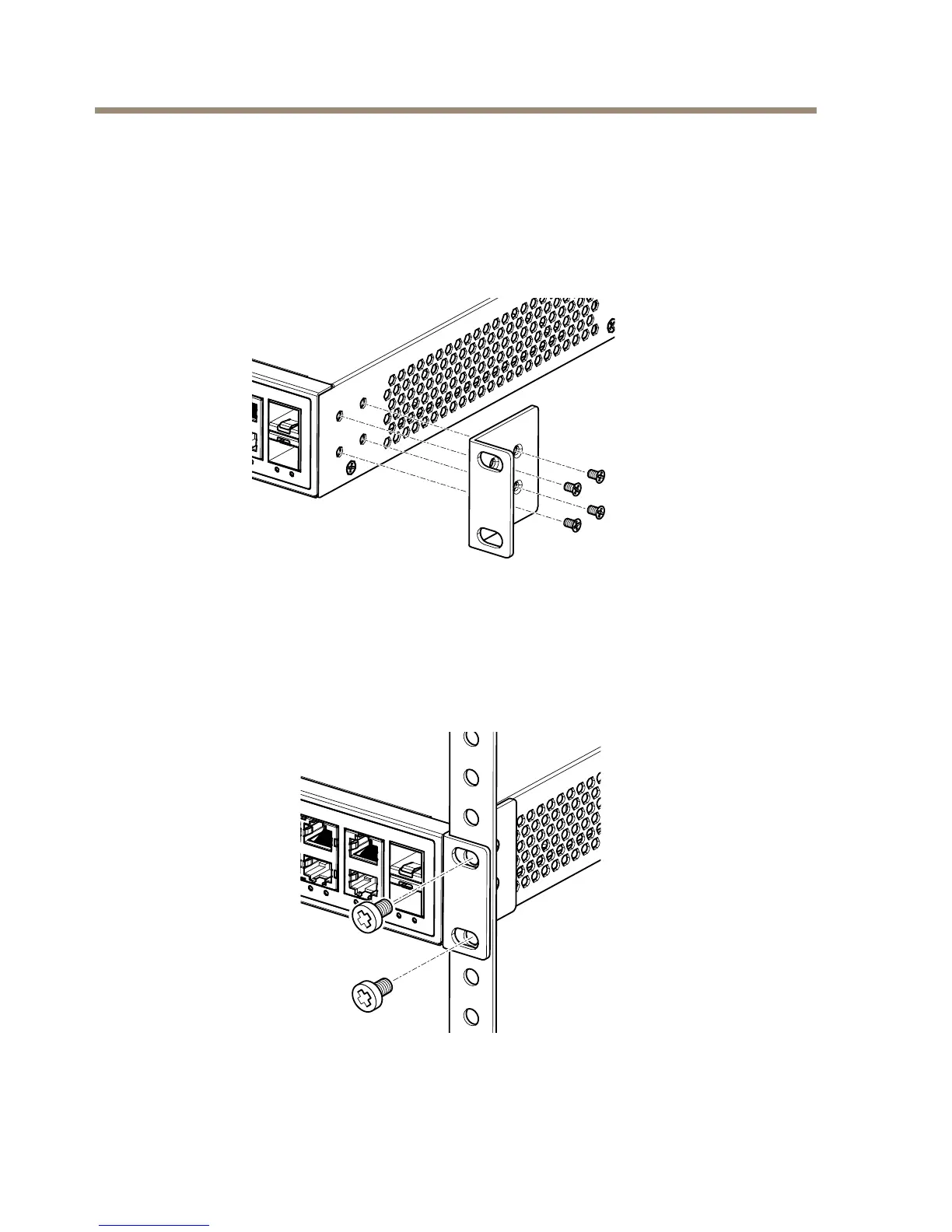
Mounttheproductinarack
1.Attachthemountingbracketstobothsidesofthechassi.Insertscrewsandtightenthen
withascrewdrivertosecurethebrackets.
2.Placetheproductonarackshelfintherack.Pushitinuntiltheovalholesinthe
bracketsalignwiththemountingholesintherackposts.
3.Attachthebracketstotheposts.Insertscrewsandtightenthem.
8


 To Next Page