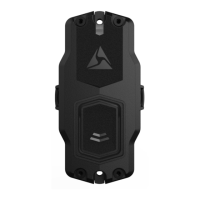
2. When using the ADM Tap Device option to look for the NFC tag (for AB3,
Workforce, and AB4), hold your mobile device near the icon on the dock. For
the 1-bay dock, the icon is on the side of the dock nearest to the ethernet port.
For the 8-bay dock, the icon is near bay 1, on the side of the dock near the power
connection.
3. Use logical names when changing the Device Name in Axon Evidence. This will
assist in understanding the location and purpose for the dock.
4. Use the Device Home feature in Axon Evidence if you have more than one
location with Axon Docks.
Axon Dock User Guide
Axon Enterprise, Inc. 5



 To Next Page