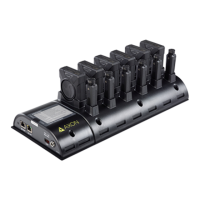
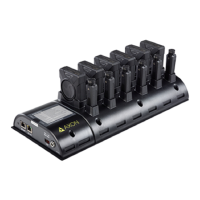
Axon Body 3 Dock Installation Manual
Axon Enterprise, Inc. Page 11 of 25
Wall Mounting an Axon Dock
This section provides information on using a wall mount for the 8-Bay Axon Body 3 Dock.
Axon Body 3 Docks should be installed in an area with redundant power, redundant HVAC,
and with an ambient temperature between 41 °F to 95 °F (5 °C to 35 °C).
Note: The wall mount for the 8-Bay Axon Body 3 Dock is the same as the mount used for
Axon Body 2 and Axon Flex 2 6-Bay Docks. If you already have this wall mount, you can reuse
it with the 8-Bay Axon Body 3 Dock by removing the core and 6-Bay Dock modules and
attaching the 8-Bay Axon Body 3 Dock.
Safety Instructions
Before mounting your Axon Dock:
• Ensure that the area behind the wall where the dock will be located is clear of
obstructions to avoid damage to surroundings, pipes, or existing wiring.
• Ensure that your cables meet all applicable building and fire codes. For in-wall
installation, most require UL-rated wire labeled CL2 or CL3.
• Leave adequate space around all sides of the Dock for proper ventilation and
maneuvering around it without people or items bumping it
Tools and Materials
• Cable-wire tester/locator • Wall Mount Kit
• Level
• Pencil
• Power drill and bits
• Screwdriver
• Stud finder
• Tape measure



 To Next Page
 Loading...