EasyManua.ls Logo

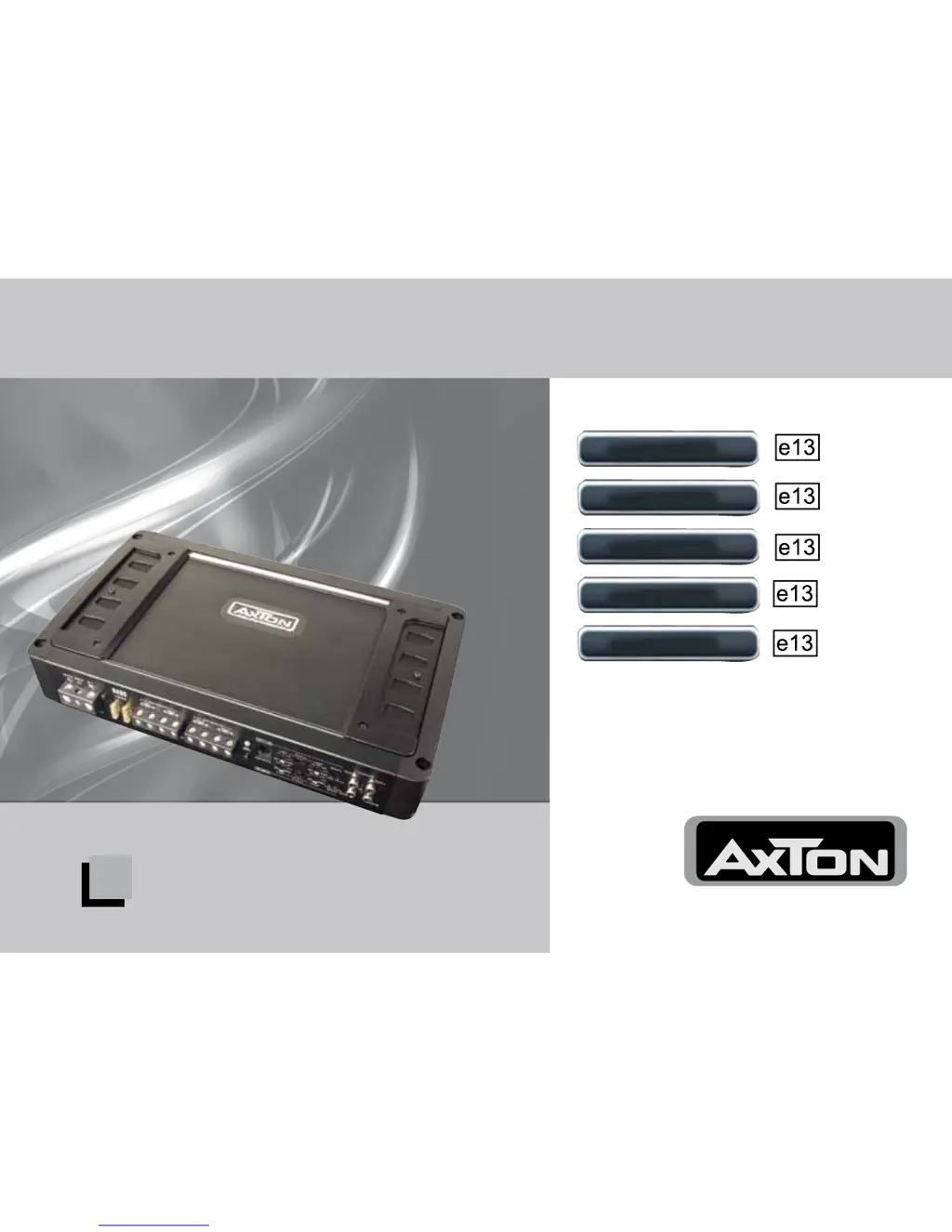
AXTON A2090 - User Manual

AXTON A2090
58 pages
Go to English
Print Icon
To Next Page IconTo Next Page
Loading...
POWER AMPLIFIERS
Einbau- und Bedienungsanleitung
Installation & Operating Instructions
A1390
A2090
A2190
A490
A480-250






Questions and Answers

  • J
    Jessica WallerAug 8, 2025
    What to do if there is no music signal on loudspeakers from my AXTON A2090?
    • D
      Douglas BooneAug 9, 2025
      If there is no music signal from your AXTON Amplifier loudspeakers, several issues could be the cause. First, check the +12V, GND/0V, and "Remote" line connections. A blown fuse on the amplifier or the main fuse on the car battery side could also be the problem, so replace them if necessary. Additionally, a short-circuit on any of the speaker outputs or DC voltage at the speaker outputs might be the cause, so address these issues. Overload or overheating can also cause this, so reduce the load or allow the amplifier to cool down.
  • J
    John KaufmanAug 15, 2025
    Why is my AXTON A2090 making a high-pitched buzzing sound?
    • J
      Joseph GallowayAug 15, 2025
      A high-pitched buzzing sound in your AXTON Amplifier could be due to a bad ground (GND) contact of the amplifier or head unit. Check the ground connections to ensure they are properly connected. It could also be caused by insufficiently shielded RCA interconnects or bad RCA cable routing, leading to inductive interference. In this case, improving the shielding and routing of your RCA cables might resolve the issue.
  • S
    Stephanie StephensAug 23, 2025
    How to fix humming sound from AXTON A2090 Amplifier?
    • J
      John PetersonAug 25, 2025
      Humming from your AXTON Amplifier is often a sign of ground loop(s), which means there are multiple ground connections in your car audio installation. To resolve this, check the ground connections of all audio components to ensure there is only one ground connection point.
  • D
    Daniel MullenAug 31, 2025
    What to do if my AXTON A2090 is making a crackling sound?
    • J
      Jared WalkerAug 31, 2025
      A crackling sound in your AXTON Amplifier could be due to insufficient interference elimination of the ignition circuitry with engine speed. Improving the interference elimination might resolve this issue.

Summary

Connections and Controls A1390

Connections and Controls A2090;A2190

Speaker Outputs

Speaker output terminals for stereo pair or bridged mode.

Connections and Controls A490

Connections and Controls A480-250

GROUND;GND

Power connection terminal to chassis ground or negative terminal of car battery.

REMOTE;REM

Remote switching contact for power on/off.

+12 V

Power connection terminal to positive terminal of car battery.

FUSE

Fuses for protection of internal electronics against overload or faulty operation.

Amplifier Location & Mounting

Wiring Tips

Important Wiring Safety

Stresses disconnecting the negative battery terminal before wiring.

Connecting

Power Connection Safety

Advises on connecting +12V power to battery and checking connections.

Controls & Adjustments

Crossover Frequency Settings

Details how to set crossover frequencies for speakers and subwoofers.

Sensitivity and Gain Matching

Explains setting input sensitivity and gain for optimal sound and noise ratio.

Troubleshooting

No Music or Protection LED Issues

Addresses no music signal and status LED being red or off.

Buzzing Sound with Engine Speed

Details causes for buzzing sounds that vary with engine speed.

Crackling Sound with Engine Speed

Explains causes for crackling sounds related to engine speed.

Humming Issues

Covers humming problems, often related to ground loops.

Protection Circuitry Operation

Explains the amplifier's protection circuitry and triggers.

AXTON A2090 Specifications

General IconGeneral
BrandAXTON
ModelA2090
CategoryAmplifier
LanguageEnglish

Related product manuals