EasyManua.ls Logo

AXTON A480-250 - User Manual

AXTON A480-250
58 pages
Go to English
Print Icon
To Next Page IconTo Next Page
Loading...
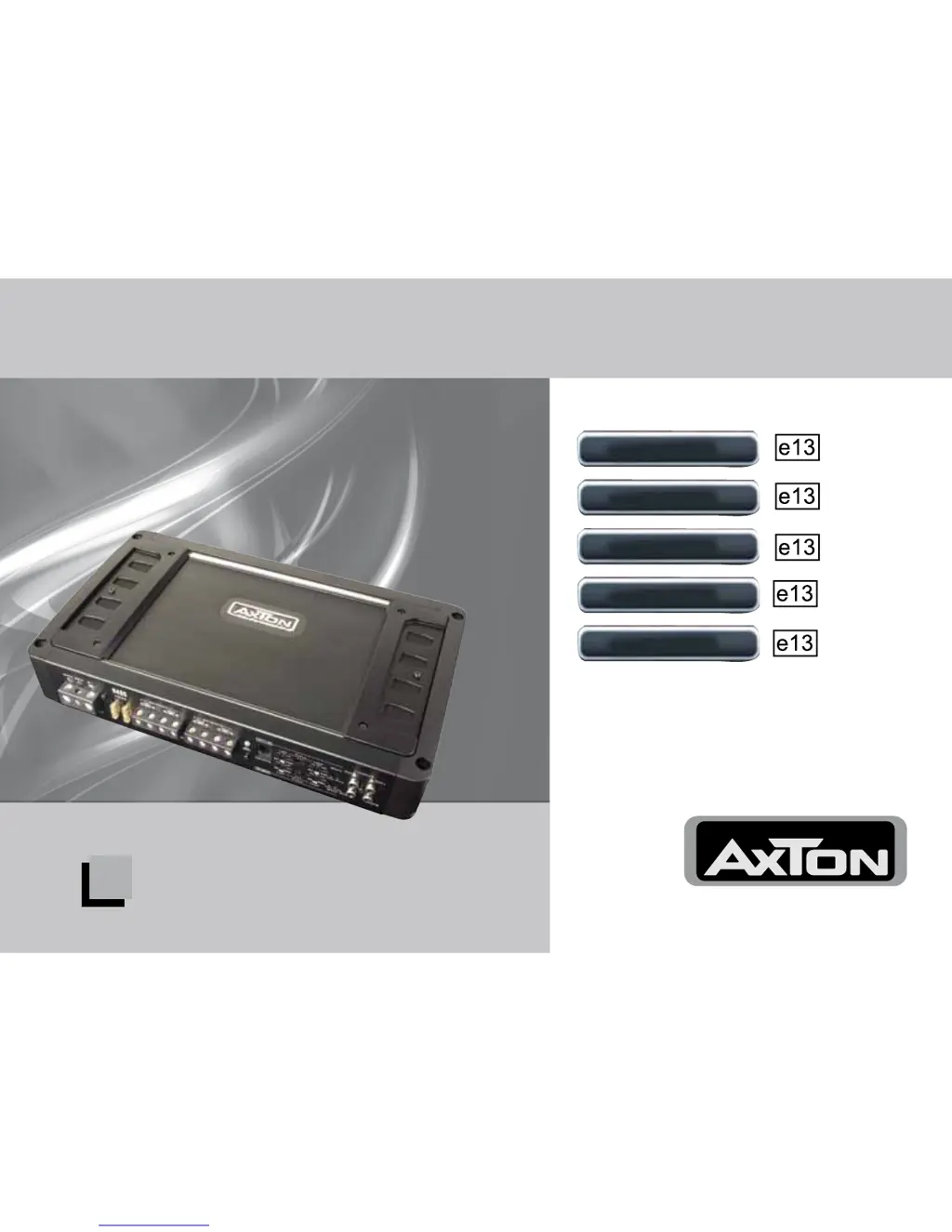
POWER AMPLIFIERS
Einbau- und Bedienungsanleitung
Installation & Operating Instructions
A1390
A2090
A2190
A490
A480-250






Questions and Answers

Summary

Introduction

General Features of AXTON Amplifiers

Details key features like PWM MOSFET power supply, A/B amplification, and adjustable filters.

A1390 Connections and Controls

A1390 Power Connections (GND, +12 V)

Details the GROUND/GND and +12V power input terminals.

A1390 Speaker Outputs

Specifies speaker output terminals and minimum impedance for the A1390.

A1390 Control Features

Covers remote, LPF, subsonic filters, and amplification mode controls.

A2090;A2190 Connections and Controls

A2090;A2190 Power and Remote Connections

Details the GROUND/GND, +12V power, and remote terminals.

A2090;A2190 Speaker Outputs and Protection

Specifies speaker outputs, minimum impedance, and protection LED.

A490 Connections and Controls

A480-250 Connections and Controls

Installation and Wiring Guide

Connecting Guide

Controls and Adjustments

Sensitivity and Gain Matching Procedure

Step-by-step guide to setting input sensitivity and matching gain levels.

Troubleshooting Guide

Troubleshooting: No Music or Protection Mode

Addresses issues with no sound on speakers or the protection LED being red/off.

Troubleshooting: Noise and Interference

Diagnoses and resolves buzzing, crackling, and humming sounds.

AXTON A480-250 Specifications

General IconGeneral
BrandAXTON
ModelA480-250
CategoryAmplifier
LanguageEnglish

Related product manuals