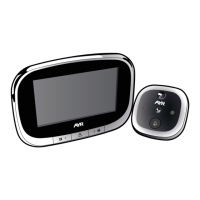
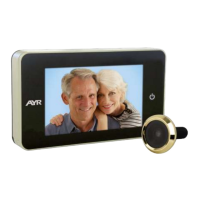
Digital door viewer WIFI 760
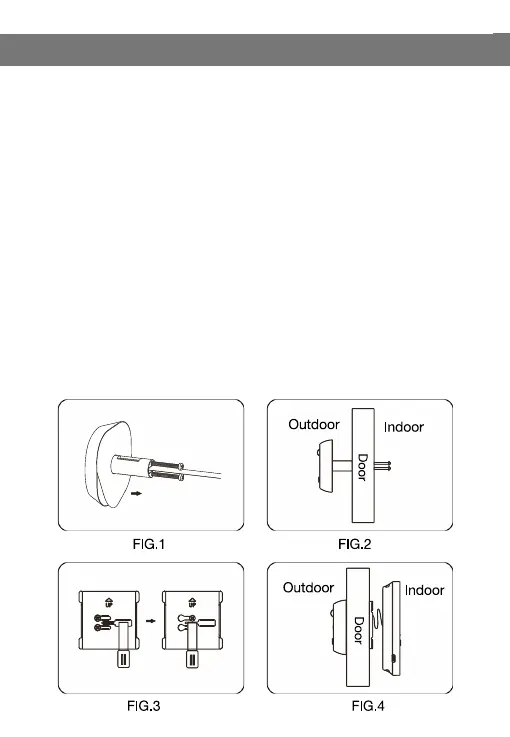
1 - Remove the traditional optical door viewer on the door (If no
existing hole on the door, please use a driller to drill a round hole with
a diameter of 14mm) , select the screw that fits the door thickness and
screw into the camera hole.
2 - Peel off 3M sticker on the back side of the camera and carefully
cross the FPC cable through the door hole from the outside. Stick the
camera on the door with the call button at the bottom.
3 - Peel off 3M sticker on the back side of the holding plate, cross the
FPC cable through the middle hole of the holding plate and pass the
screw through the upper and lower hole of the holding plate. Slide the
holding plate to the left, stick the holding plate on the door and tighten
the screw to fix the holding plate.
4 - Connect the FPC cable to the display unit, bend the excess length
of cable neatly and place it in the groove on the back side of the
display unit. Finally buckle the display unit on the holding plate from
top to bottom.
3. Installation Instructions:



 To Next Page