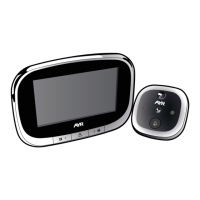
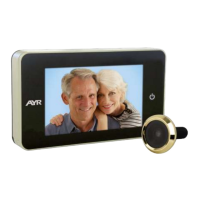
Digital door viewer WIFI 760
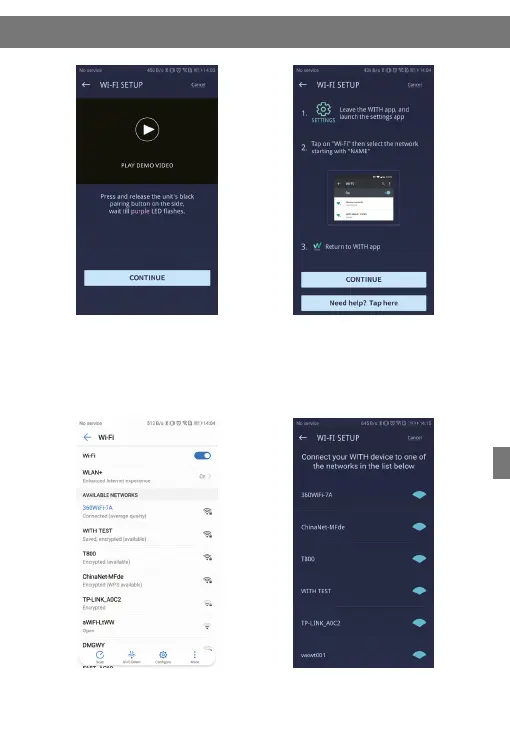
Select “WITH-XXX” network. Return to “WITH” client,select
router to be connected and enter
the password.
Press the pairing button on the right
side as per the prompt to enter into
pairing mode. At this time, there is
a purple LED flashing at the bottom
of the display.
Tap on “Settings” and enter
Wi-Fi setting interface.
5
76
4



 To Next Page