4.2 Smartphone synchroni-
sation
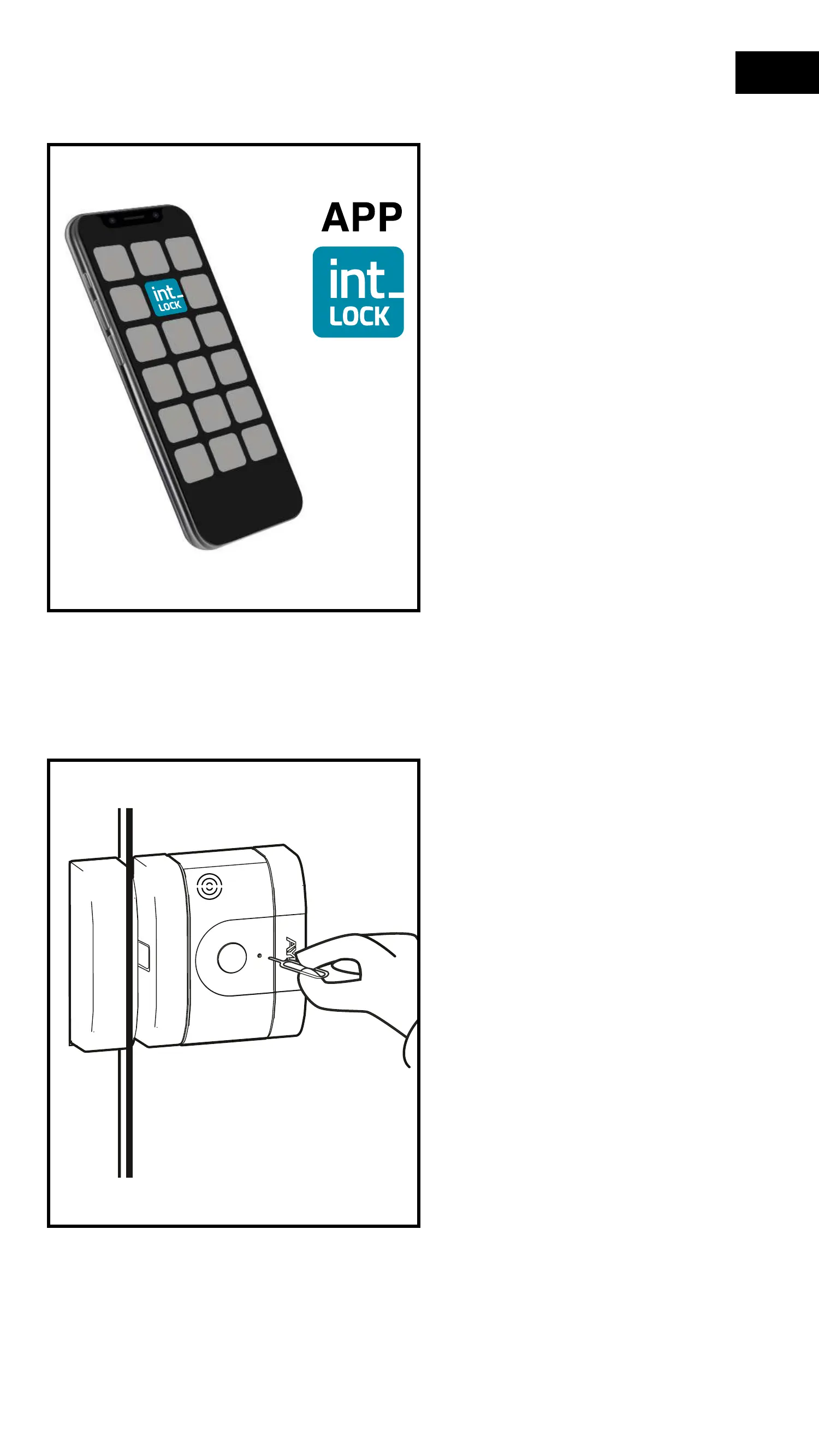
1- Press the int-LOCK icon to
start the application and make
sure that Bluetooth is activated
on your smartphone. The door
must be closed and the lock
open.
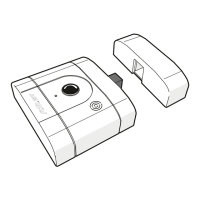
2- Insert the pairing tool into the
pairing hole until you feel a slight
"Click" and the LED lights up red
and a beep sounds at the same
time.
44
EN


 To Next Page