If a game doesn’t support simultaneous input or is supported only partially, then the
game user interface may flicker between Xbox controller and keyboard&mouse
interface when trying to use Azeron keypad together with mouse. In that case you
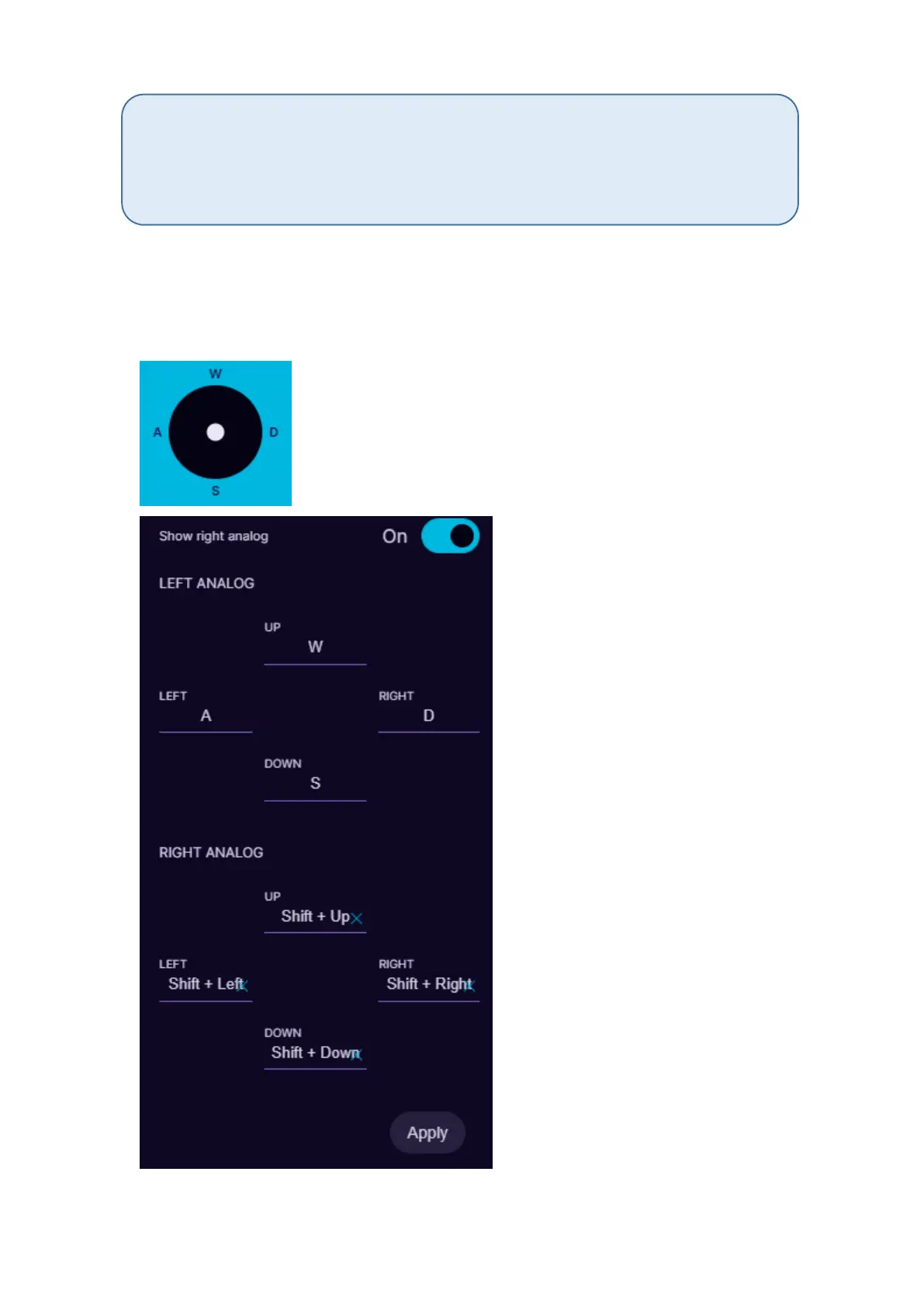
can setup analog stick with keyboard keybinds, such as WASD to have better gaming
experience.
Analog joystick mode will work as generic joystick analog stick with a
direct input. It will work in games that are compatible with any controller,
not only Xbox controller, but the same as with Xbox360 analog stick
mode, the game has to support simultaneous input.
In Keyboard mode analog stick will work in 8 directions
with keybinds provided for 4 directions, such as WASD
or similar. It is possible to setup 2 separate keybinds on
thumbstick and switch between them on the fly (see
more information at 5.3.6. Toggle analog stick mode)



 To Next Page