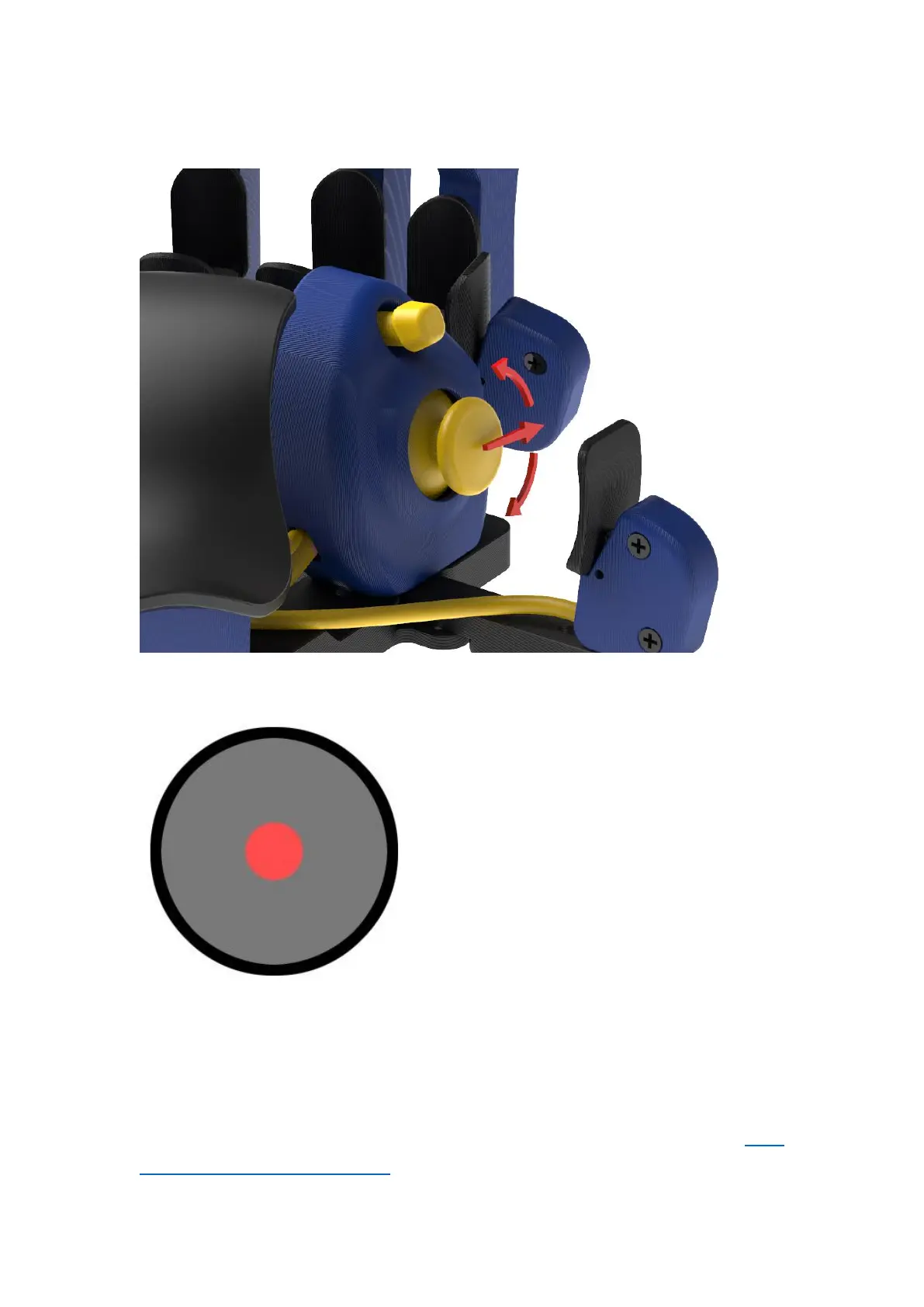
It is possible to change the forward direction for thumbstick with angle
slider up to 180° in each direction.
Lower deadzone is an area in the center
of the thumbstick that won’t recognize
input if the stick is moved within it. The
higher the value, the bigger the circle is
in the center where thumbstick
movement won’t register.
If a lower deadzone is set to 0 or very low
value, then the thumbstick may be too
sensitive to every micro movement (even
your cat sneezing) and it may have a
flickering motion in Azeron software and a character in video game may
move around even if you are not touching the thumbstick. In that case
you need to set the lower deadzone value higher until it stops moving by
itself (for example something between 10 – 65 is a good value). But please
note, that if you have completed the calibration on your thumbstick (5.1.
CALIBRATING THUMBSTICK) then here the settings you change for the



 To Next Page