Download the Azeron firmware from
https://www.azeron.eu/downloads/ Make sure you download the
correct one – Classic and Compact keypads has different firmware than
Cyborg and Cyborg Compact.
Step 1:
Plug in your keypad to PC USB slot (don’t connect to USB 3.0 if you don’t
have USB 3.0 drivers installed)
Step 2:
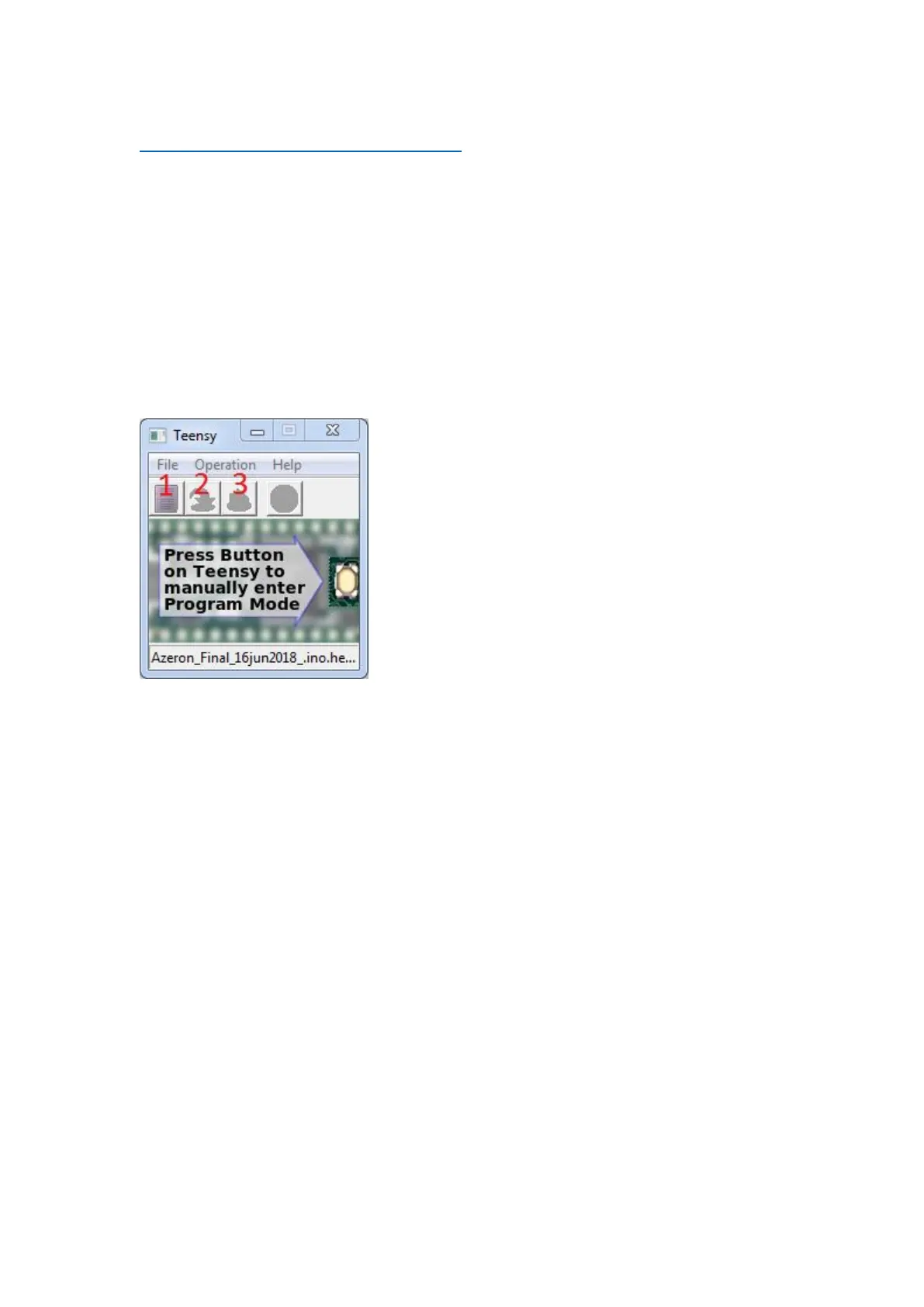
Open teensy.exe software (included with the firmware)
Step 3:
Press on the first button to load hex file (for example, “Azeron-fw-
60.hex”)
Step 4:
Reset Azeron keypad by pressing reset button in the hole shown in the
picture (you can use the included hex screwdriver):



 To Next Page