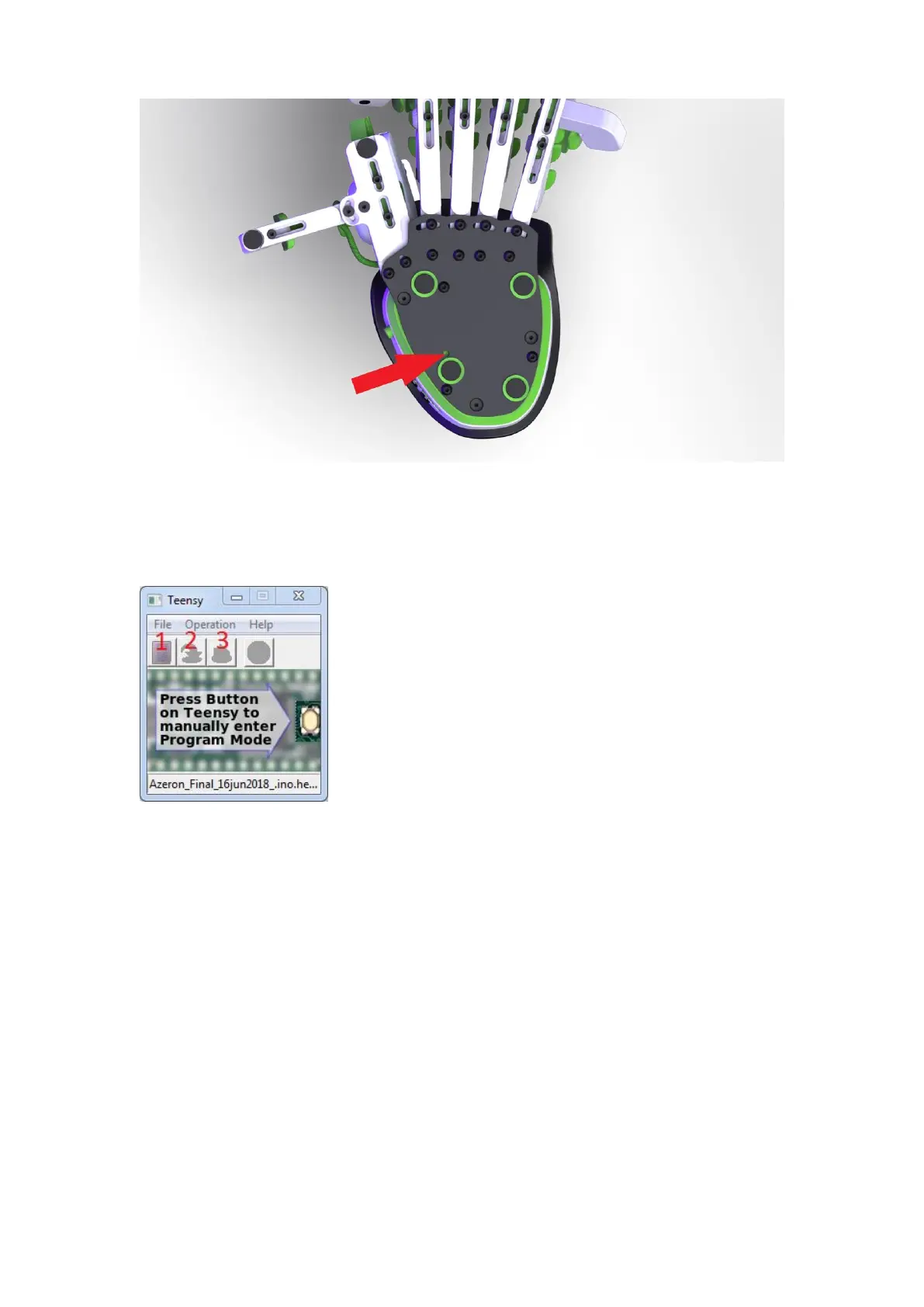
Step 5:
Wait until button 2 is available in the Teensy software. Then press button
2 to upload firmware.
Step 6:
After that, press button 3, to restart Teensy. Wait until at least one Profile
LED has turned on at the side of the keypad (that means, keypad is on and
running).
Now unplug and re-plug the USB cable in PC, before launching Azeron
software.
Done!



 To Next Page