1ª 10155 ES 9 - 2009
11
3. Price of sale of the product
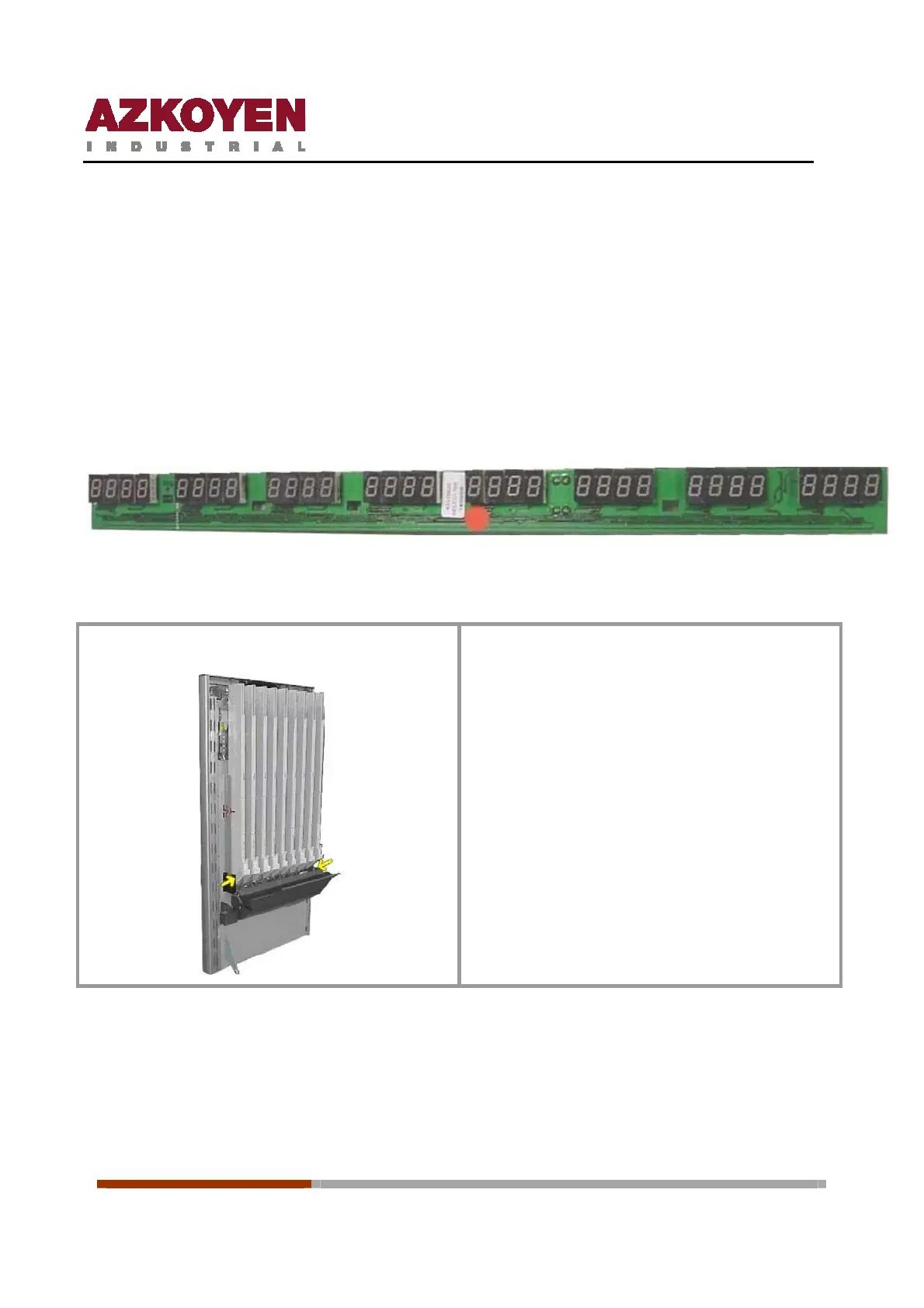
As an option, the machine can be supplied with Price display boards for each one of the product
selections that show the user the price of sale. If the machine does not have this option, the price
of sale is shown on the Information Screen when the user presses on the Product label of the
product that they wish to buy. In both cases, with Display for each product selection or with prices
shown on the Information screen, the machine can be programmed to work with zero, one, two or
three decimals.
There are two types of price display boards, for keyboards of 8 selections and of 7.
Installation of the price display boards
With a Phillips screwdriver, remove the
transport protection screws that are indicated
with the yellow arrows in the figure on the left
and tilt down the grid of channels in the door.



 To Next Page