1ª 10155 ES 9 - 2009
12
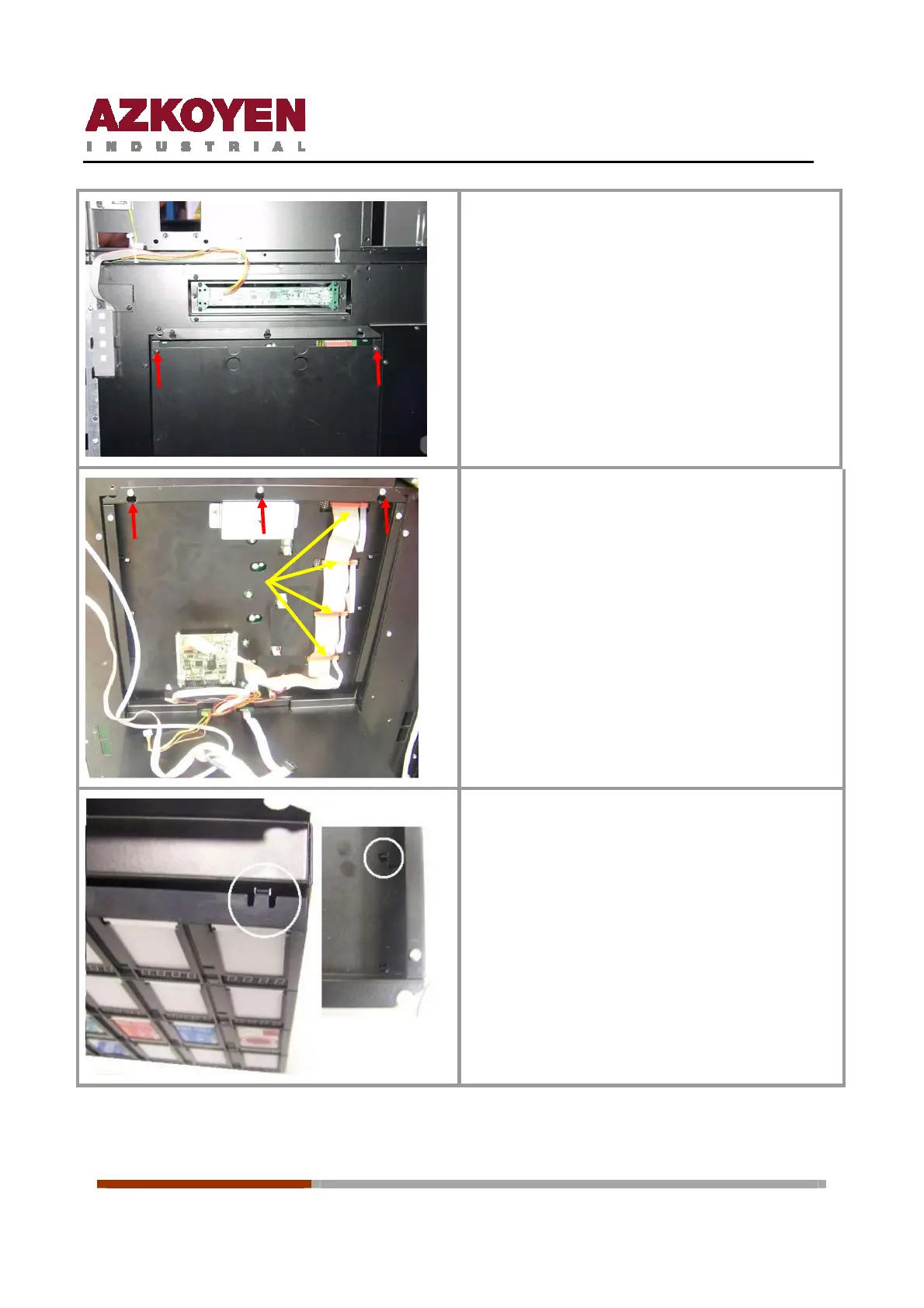
With a, loosen the two screws shown with the
red arrows. Lift and remove the keyboard
cover.
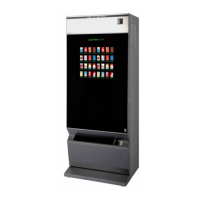
Disconnect the cables on the selection panel,
yellow arrows.
With a Phillips screwdriver, loosen the three
screws shown with the red arrows. Lift and tilt
down the keyboard bracket.
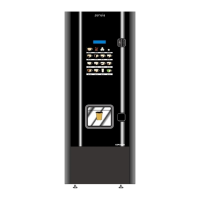
Dismantle the set of buttons on the panel,
freeing the 4 clips that hold it to the metal
panel.



 To Next Page