1ª 10155 ES 9 - 2009
13
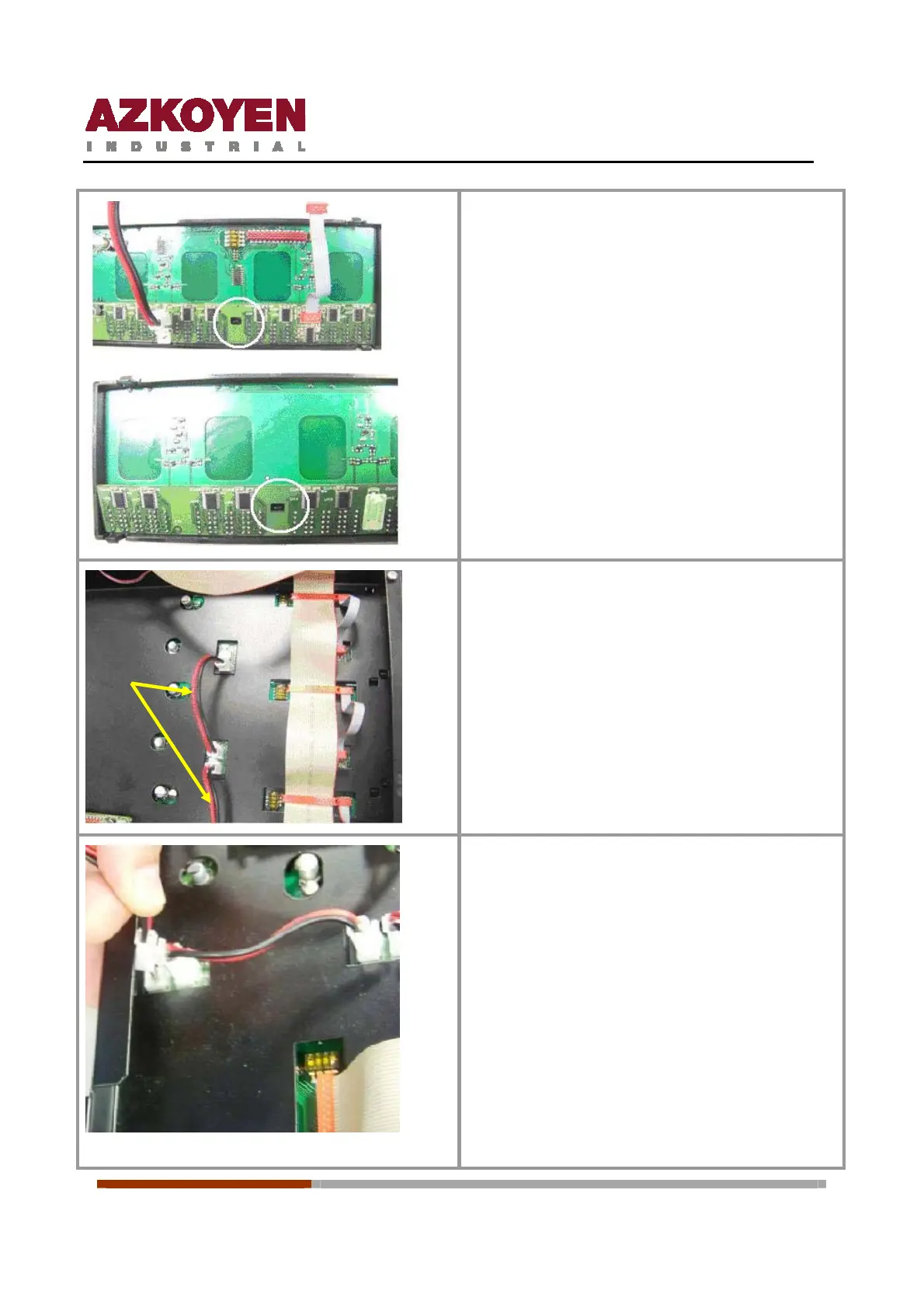
Fit the price display board pressing firmly on
the plastic support. Verify the correct position
of the fixing clips.
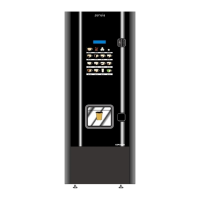
Re-connect the cables that join the price display
boards to the button boards.
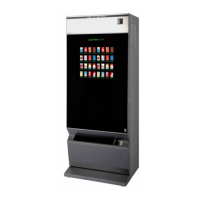
Connect the power supply cables of one price
board to another. Yellow Arrows.
Replace the keyboard panel into the machine
fixing it with the three screws.
The power supply cable of the price display
board (red – black) is installed in series in the
machine.
Fit the Bracket cover fixing it with the two
screws



 To Next Page