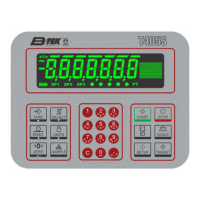
Need help?
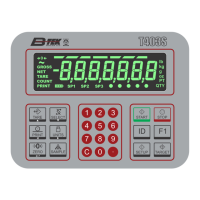
Do you have a question about the B-TEK Scales T403S and is the answer not in the manual?
Introduces the General Weighing application and its features.
Outlines the steps to perform gross weighing, including zeroing the scale.
Explains Net weighing and its three types: pushbutton, entered, and preset tare.
Details how to configure setpoints to trigger outputs automatically based on weight.
Introduces the Accumulator application for recording totals of individual weighments.
Outlines the steps for performing accumulator operations and viewing totals.
Introduces the Counting application and its capabilities.
Describes the two sampling methods (dribble and bulk) for counting.
Provides step-by-step instructions for performing dribble sampling.
Details the Supervisor menu options for the General Weighing application.
Explains how to configure setpoint annunciators, values, inputs, and modes.
Details how to set, print, and reset preset tare values.
Details the Supervisor menu options for the Accumulator application.
Explains settings for printing totals, format, clearing, and resetting accumulator data.
Details the Supervisor menu options for the Counting application.
Explains settings for count modes, print totals, format, and clearing count data.
Details the Supervisor menu options for the Checkweighing application.
Explains settings for output modes, under/over divisions, and resetting checkweigher variables.
Details the Supervisor menu options for the Batching application.
Explains settings for batch types, operation modes, display, and preact values.
Details the Supervisor menu options for the Peak Hold application.
Explains how to reset min/max peak values using the supervisor menu.
Details the Supervisor menu options for the Remote Display application.
 General
| Brand | B-TEK Scales |
|---|---|
| Model | T403S |
| Category | Accessories |
| Language | English |

 To Next Page