Test Procedure
© b2 electronic GmbHDHV0086 Rev0646
Step Procedure (Set manual test parameters)
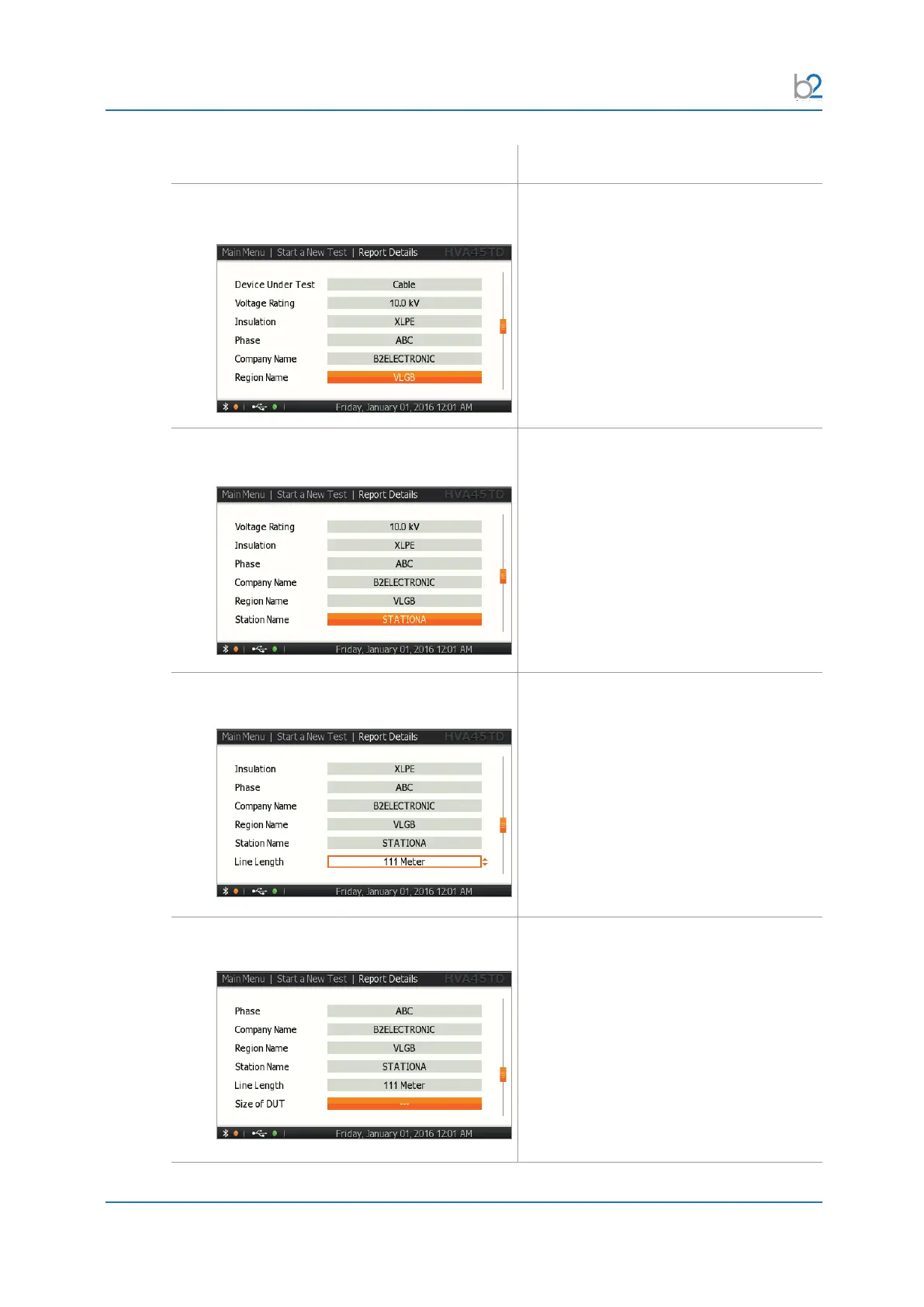
RS3�2�07: Report Details - Extended
Region Name
For instructions on how to edit the region
name, see 7.3 Report Naming Instructions
on page 88
RS3�2�08: Report Details - Extended
Station Name
For instructions on how to edit the station
name, see 7.3 Report Naming Instructions
on page 88
RS3�2�09: Report Details - Extended
Line Length
For instructions on how to edit the line
length, see 7.3 Report Naming
Instructions on page 88
RS3�2�10: Report Details - Extended
Size of DUT
For instructions on how to edit the size of
DUT, see 7.3 Report Naming Instructions
on page 88



 To Next Page