Reporting
© b2 electronic GmbH DHV0086 Rev06 89
Step Procedure
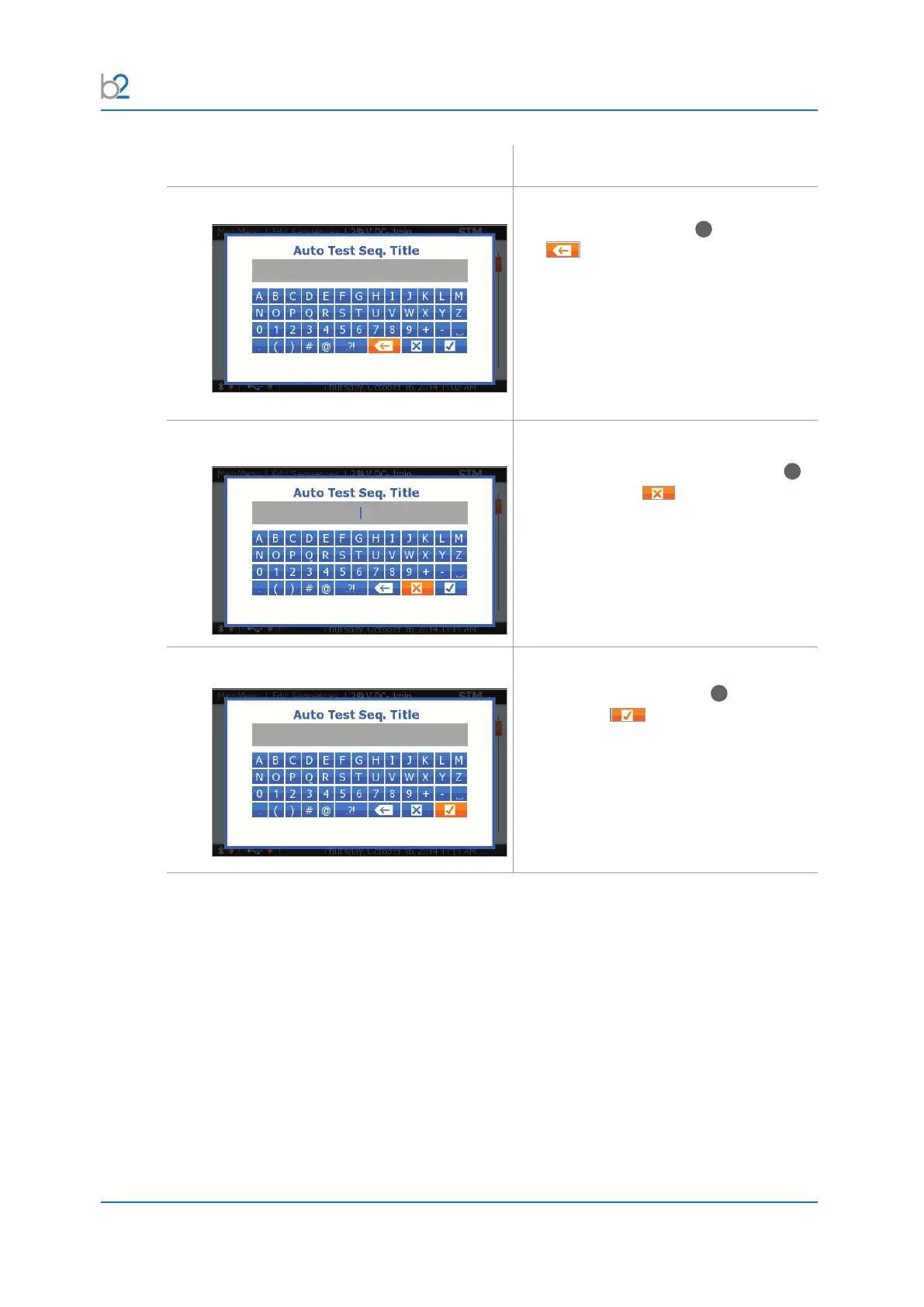
Delete
To delete, rotate the knob
41
until reaching
the button, then push in/click.
Exit without saving
To exit without saving, rotate the knob
41
until reaching the button, then push
in/click.
Toconrm,rotatetheknob
41
until
reaching the button, then push in/
click.



 To Next Page