32 333333
EN
DISPLAY & CONTROLS
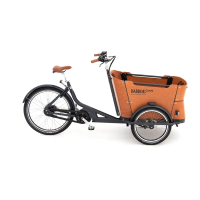
To cycle with pedal assistance, place the battery in your Babboe cargo bike.
Informatie op display
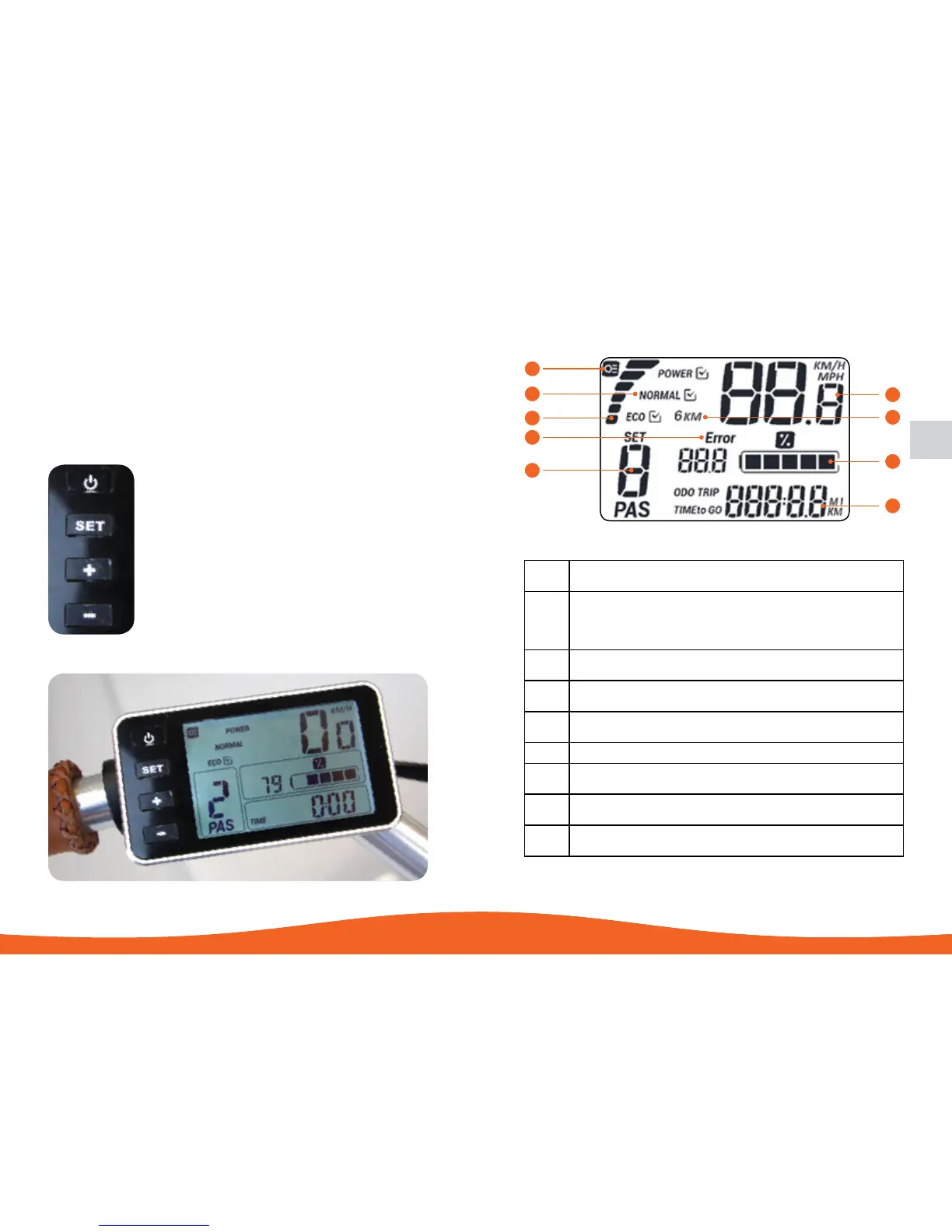
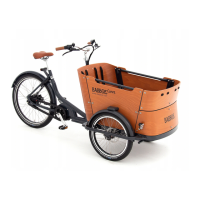
The following displays the buttons on the LCD display of the ibo- C500 model. The display
will turn on when the ON/OFF button is pressed.
ON/OFF
System On / Off & Screen Lighting
SET
Options selection & Menu
UP
Increase Power Mode & Walk Assist
DOWN
Decrease Power Mode
A
LCD Backlight Indicator
Turns on when the backlight of the LCD is on
B
Additional Mode Display
Mode 0 - 2 = Eco
Mode 3 - 5 = Normal
Mode 6 - 8 = Power
C
Energy Consumption Meter
More/Higher bars = Higher Consumption = Less Range
D
Error Indicator
Lights up with Error Code if there’s an error
E
Assistance Mode Level
(0 - 8) Modes, 0 = No Assistance
F
Speed (KM/H or MPH)
G
Walk Assist Indicator
Lights up when in walk-assist mode
H
Battery Capacity Indicator
Shows the remaining capacity of the battery
I
Odometer/Trip Distance/Trip Time
Shows the corresponding values of the odometer, trip distance, and trip time
A
B
C
D
E
F
G
H
I


 To Next Page