USER MAINTENANCE INSTRUCTIONS
MAINTENANCE OF THE BLADES
Always apply oil to the blades before and after use. This will ensure maximum cutting
performance and proper maintenance. Hold the clipper away from your body in a
downward position, and apply a drop of BaBylissPRO lubricating oil on the front and
sides of the cutter blade. Wipe off excess oil with a soft, dry cloth.
HOW TO USE COMB ATTACHMENTS
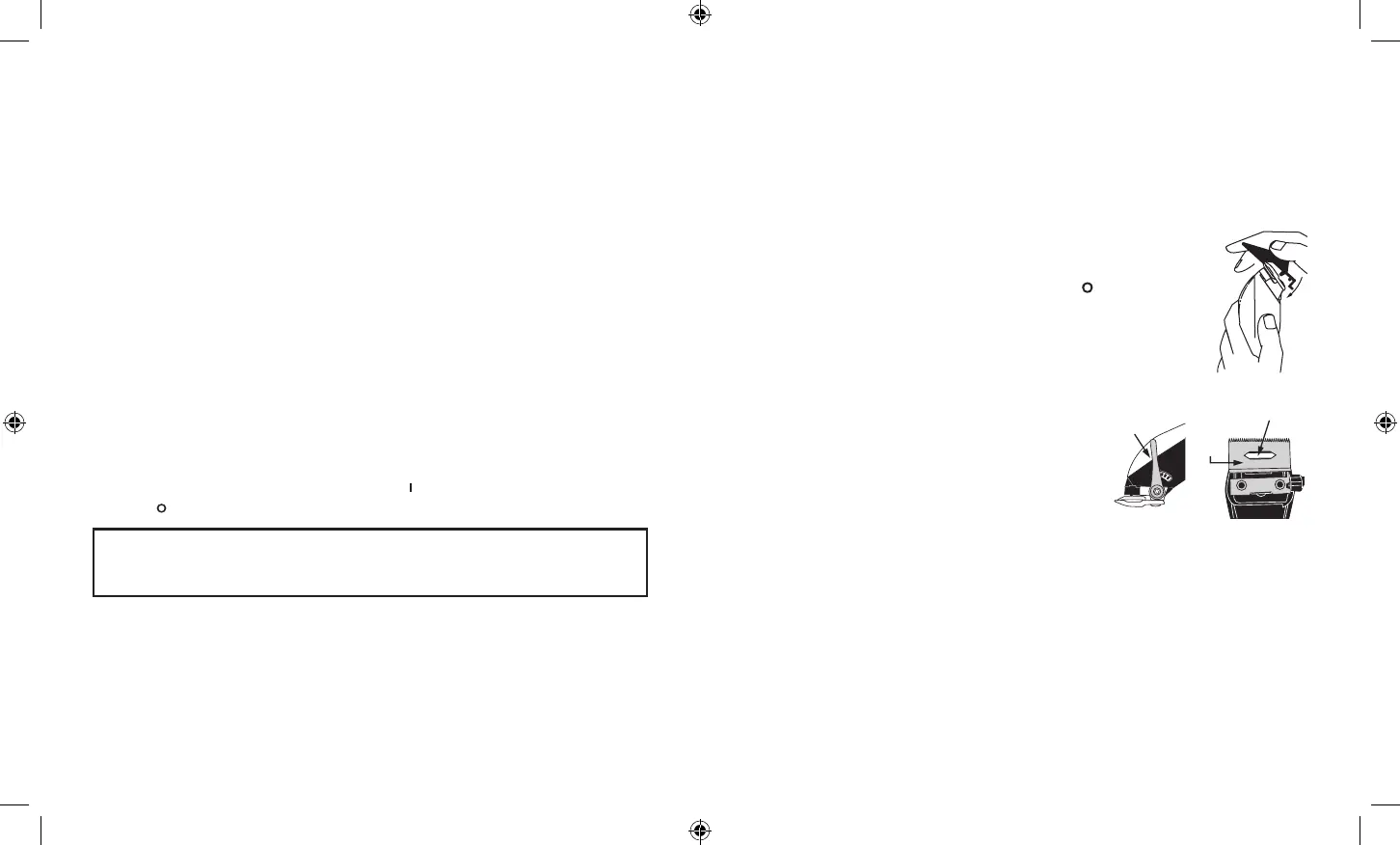
To use the comb attachments, turn the clipper to “ ” position. Slide
the comb attachment onto the top of the clipper blades and then pull
down and over the back of the blade. To remove, pull up on the back
of the comb attachment and then pull away from the blade.
REPLACEMENT (REMOVAL) OF BLADE SET
Step 1. Unplug the unit and adjust the taper (see
illustration A).
Step 2. Remove the screws and fixed blade. Save the
screws.
Step 3. Lift off the small moving blade and replace
it with the new one on the plastic oscillator
(see illustration B).
Step 4. Replace the fixed blade using the screws and lightly tighten them. Adjust the
teeth to a gap of 1/32" (1 mm) to 1/16" (1.5 mm) with the small moving blade as
centered and as parallel as possible to the fixed blade's teeth (see illustration C).
Taper
A.
B.
Small
Moving
Blade
Plastic Oscillator
VERY IMPORTANT: Blades must be cleaned and oiled on a regular basis for
proper functioning. Failure to regularly clean and oil the blades will void the
warranty.
SUPPLIER’S DECLARATION OF CONFORMITY
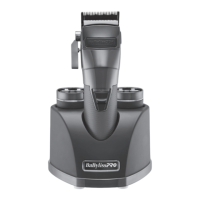
Brand: BaBylissPRO
®
Model No.: FX890
Description: Clipper
Responsible Party: Conair LLC
1 Cummings Point Road
Stamford, CT 06902
(203) 351-9000
Standards: FCC Part 15 Subpart B, ANSI C63.4-2014
This device complies with Part 15 of the FCC Rules. Operation is subject to the following
two conditions:
(1) This device may not cause harmful interference, and (2) This device must accept
any interference received, including interference that may cause undesirable operation.
DATE OF ISSUE: 00/00/2021
ON/OFF SWITCH
To operate, simply slide switch to ON (marked ""). To stop operation, set to the OFF
(marked " ") position.
FX890 IB-17257.indd 7-8FX890 IB-17257.indd 7-8 2021/12/20 12:23 PM2021/12/20 12:23 PM


 To Next Page