EasyManua.ls Logo

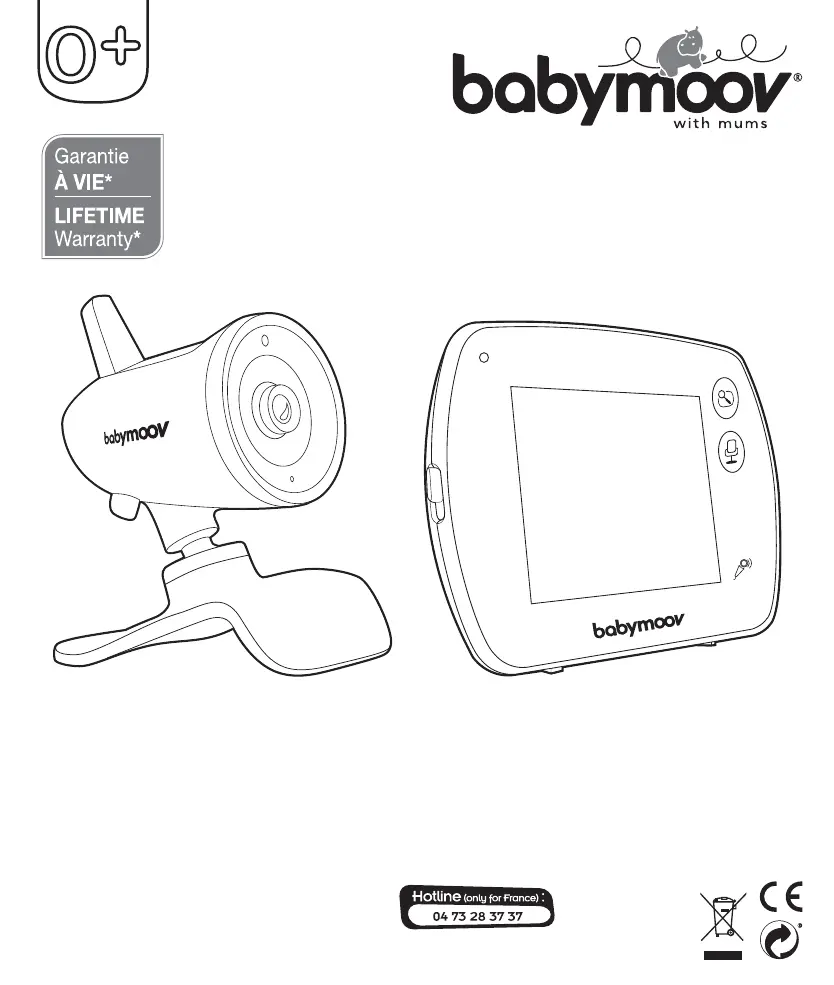
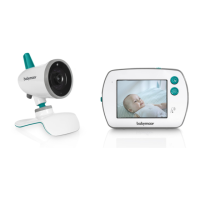
babymoov Yoo-Feel - User Manual

babymoov Yoo-Feel
70 pages
Go to English
Print Icon
To Next Page IconTo Next Page
Loading...
Babymoov
Parc Industriel des Gravanches
16, rue Jacqueline Auriol
63051 Clermont-Ferrand 2 - France
ww.babymoov.com
Designed and engineered
by Babymoov in France
Réf. : A014420
Yoo-Feel
1RWLFHGőXWLOLVDWLRQŘ,QVWUXFWLRQVIRUXVHŘ%HQXW]XQJVDQOHLWXQJŘ*HEUXLNVKDQGOHLGLQJ
,QVWUXFFLRQHVGHXVRŘ,QVWUX©·HVGHXVRŘ,VWUX]LRQLSHUOőXVRŘ1£YRGNSRXĻLW¯Ř
مﺪﺨﺘﺴﳌا ﻞﻴﻟد

Questions and Answers

Summary

CONTROLS

RECEIVER

BATTERY STATUS AND RECHARGING

Details battery level indicators and recharging states for the receiver.

BATTERY REPLACEMENT

Instructions on how to replace the battery in the receiver if needed.

STARTING THE APPLIANCE

CHOICE OF LANGUAGE

Guide to selecting the preferred language for the baby monitor interface.

USING THE INTERFACE AND MENU

CONNECTING THE CAMERA TO THE RECEIVER

Step-by-step guide on pairing the baby monitor camera with the receiver unit.

DISCONNECTING CAMERAS

RECEIVER OPERATION

STATUS BAR

Explanation of the status bar icons and functions on the receiver screen.

NIGHT LIGHT FUNCTION

How to activate and deactivate the night light feature on the baby monitor receiver.

LULLABY FUNCTION

Instructions for using the lullaby feature, including melody selection and volume control.

VOX FUNCTION

MENU

CAMERA

Navigating the camera settings and options within the main menu.

SETTINGS

Accessing and configuring various settings like key tones, time, and language.

VOLUME AND BRIGHTNESS

Adjusting the sound volume and screen brightness of the baby monitor receiver.

TROUBLESHOOTING TABLE

MAIN FUNCTIONS

WARNING

PRECAUTIONS

STANDARD ACCESSORIES

CONTROLS

CAMERA CONTROLS

Detailed list and description of all control buttons and ports on the camera unit.

RECEIVER CONTROLS

Detailed list and description of all control buttons and ports on the receiver unit.

SETTING UP THE APPLIANCE

CAMERA

Instructions for correctly positioning and setting up the baby monitor camera.

babymoov Yoo-Feel Specifications

General IconGeneral
Display diagonal3.5 \
Maximum range250 m
Smartphone support-
Number of lullabies3
Product colorGrey, Turquoise, White
Frequency band2.406 - 2.475 GHz
Number of cameras1
Power source typeBattery
Battery technologyLithium

Related product manuals