5
2. Getting Started
Step 1:
• Connect the power cable to the Dreamer and then plug it
into your electrical power outlet.
• Press power button to switch the Dreamer on (Illustration 1.2)
Step 2:
• Ensure your cellular device's Bluetooth and WiFi is ON
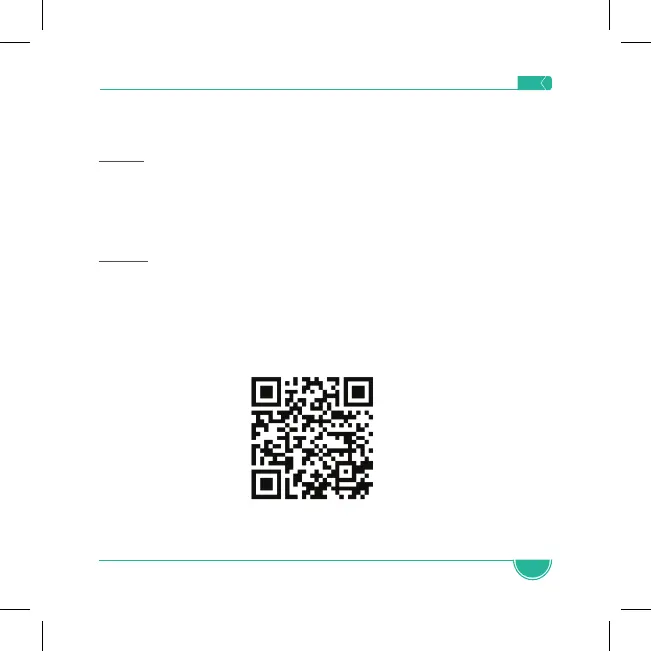
• Download the app: Use the QR Code below or search for
Babysense app in the Apple App Store or Google Play Store
and download to your cellular device.
• Follow app installation instructions
Note: The Babysense Dreamer is compatible with 2.4GHz
networks only.


 To Next Page