PREPARATION
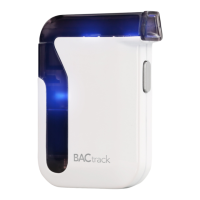
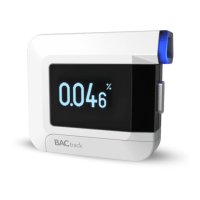
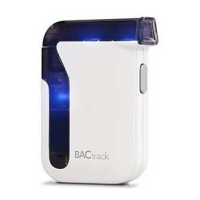
Step 1. Download the BACtrack app or the BACtrack
compatible app that wil be used with the BACtrack
Mobile.
Step 2. Go to Settings on your mobile device and make sure
Bluetooth
®
is switched on.
Step 3. Press and hold the Power Button on your BACtrack
Mobile for two seconds, then release, powering it on
and allowing it be found. Your BACtrack will connect
automatically.


 To Next Page