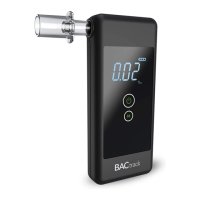
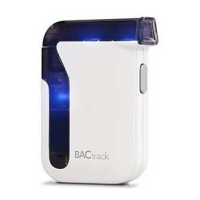
Step 2. Press and hold the Power Button on your BACtrack
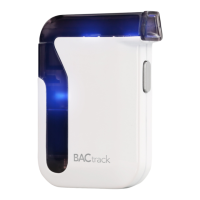
Mobile for two seconds, then release, to power on the unit.
Step 3. Open the app you are using from the home screen
on your device.
Step 4. Use your BACtrack or BACtrack-compatible app
as instructed.
Step 5. When finished testing, hold the Power Button on your
BACtrack Mobile for two seconds to turn it off.


 To Next Page