en
9
Getting to know your
appliance
Please fold out the illustrated last page.
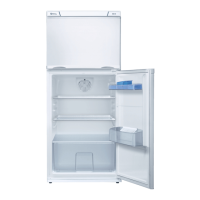
These operating instructions refer
to several models.
The features of the models may vary.
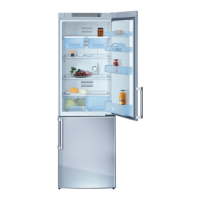
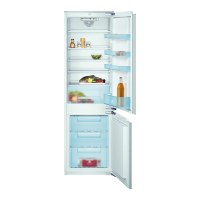
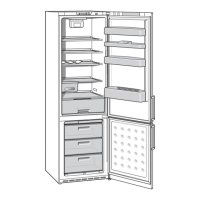
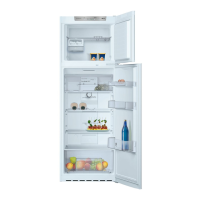
The diagrams may differ.
Fig. 1
* Not all models.
Controls
Fig. 1
1-4 Controls
5 Temperature controller
6 Freezer compartment flap
7Ice maker *
8Dispenser forice cubes*
9 Light switch
10 Chiller compartment
11 Air outlet opening
12 Light
13 Shelf in the refrigerator
compartment
14 Fruit and vegetable container
15 Height-adjustable feet
16 Egg rack
17 Shelf for tubes and small tins
18 Shelf for large bottles
1 On/Off button
Serves to switch the whole
appliance on and off.
2 Selection button for freezer
compartment
The freezer compartment
temperature can be selected
from –24 °C to –16 °C.
The set temperature
is indicated on display 3.
3 Temperature display freezer
compartment
The numbers next
to the temperature display lights
correspond to freezer
compartment temperatures in °C.
The lit lamp indicates
the selected temperature.
4 “Super” button (freezer
compartment)
Switches super freezing
on and off.


 To Next Page