EN
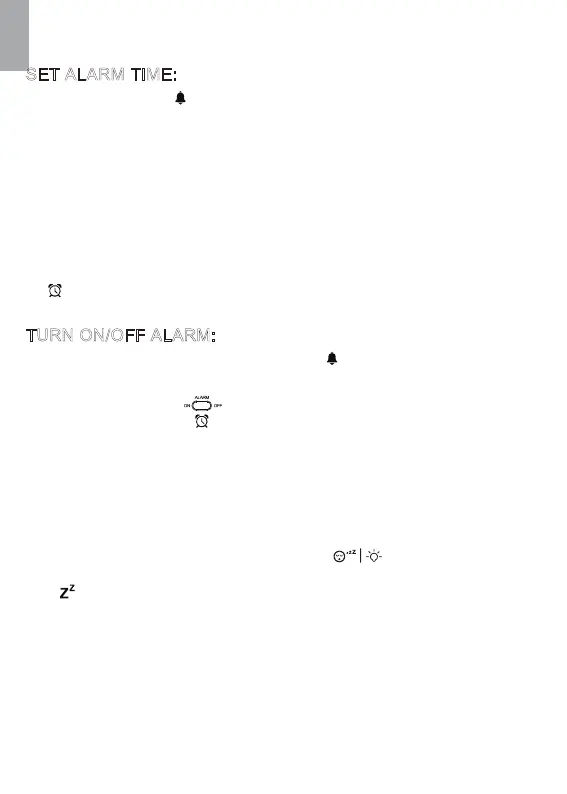
Press and hold “ ” button to enter into alarm time setting mode. 1.
ALARM FUNCTION
SNOOZE FUNCTION
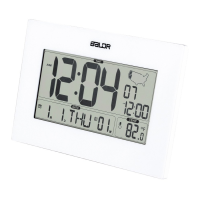
When in time display mode, press “ ” button to check between
alarm time and calendar.
1.
Slide the switch on the back to turn on/off alarm by the
ON/OFF of symbol .
2.
When the alarm is ringing, press any other button except top
button to stop the alarm. And the alarm will restart next day.
1.
OR when alarm is ringing, press “ ” button to activate
snooze function. And the alarm will repeat in each 5 minutes. The
“ ” symbol will be flashing on screen to indicate the snooze
mode.Press any other button except top button to exit the snooze
mode.And the alarm will restart next day.
2.
When alarm rings, the ascending “Bibi” alarm sound will last for 2
minutes if no operation.
3.
The setting order is: Hour → Minute→Exit. 3.
During setting, touch top button to save and exit setting4.
During setting,If no operation for 20 seconds, it will automatically
save and exit setting.
5.
The alarm is default ON after setting the alarm time.Alarm symbol
will display on screen.
6.
Press “▲/C/F” or “▼/RCC” button to adjust data; press and hold
“▲/C/F” or“▼/RCC”button will quickly change the data by 8 steps.
2.
SET ALARM TIME:
TURN ON/OFF ALARM:
12


 To Next Page