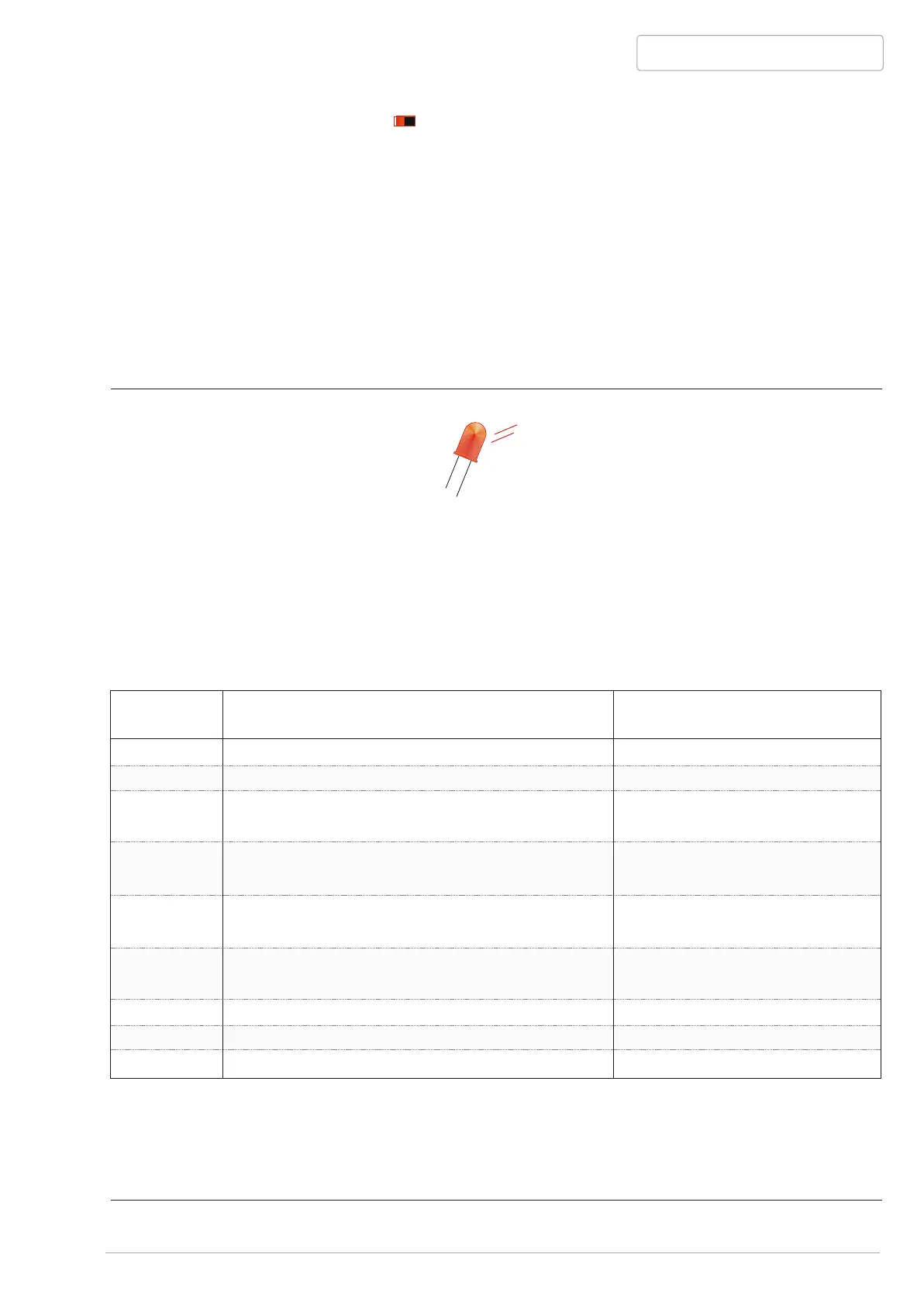
N Power failure (Power ?)
This red LED blinks as long as BANDIT detects its power supply or its main fuse F1 is
interrupted and the unit is not in guard mode.
If BANDIT is disconnected from the main power supply for more than 3 hours, the
internal heat exchanger will cool down too much to have a decent performance.
BANDIT will detect this and will refuse to eject fog. Fog ejected through a too cold
heat exchanger is wet, which could damage the surroundings (greasy film
on textile, documents, furniture, etc...). As soon as the main power supply is available
again, the unit will start to re-heat its heat exchanger and to re-charge its internal
battery.
F
BANDIT 240 DB v.206
P. 23 - Communication status - LEDs - Front LEDs & Error LED
Informative PCB LED
Error LED (red LED, location on PCB, see page 9):
BANDIT reports its internal failure through its front LED "Failure" and its technical output
[OKout]. To provide the installer with more information about the kind of failure reported, there
is located a red error info-LED [Error] on the PCB. If this LED starts blinking, a failure is
reported, whereby the frequency of blinking reveals the kind of failure.
The blinking sequence is built up in repeating time blocks of 10 seconds.
With simultaneous failure reports, e.g. "F3 blown" and "load connected battery too low", this
LED will blink 1 x every 10 seconds. If the first failure is restored, in this case “fuse replaced”,
the LED will blink 3 x every 10 seconds to report the next failure, in order of the list above.
1 x
2 x
3 x
4 x
5 x
6 x
7 x
8 x
9 x
Reported failure
Glass fuse F2 and/or F3 blown
Charge of disconnected battery too low
Charge of connected battery too low
Incorrect temperature of heat exchanger
Ventilator doesn’t turn
The
HY-3 pack above 50°C.
The MCU measures unreal value(s)
on the Control Box PCB-connector.
Internal MCU failure
MCU measures unreal value(s)
Action installer
Check F2 and/or F3
Battery problem
Battery- or power supply
problem.
Environmental temperature
Push-in r
Back to factory
Back to factory
Back to factory
too high or dusty textile front
Control Box connecting cable
and/or check position dip B3.
eset switch, if no
success, back to factory
Blink-
frequency


 To Next Page