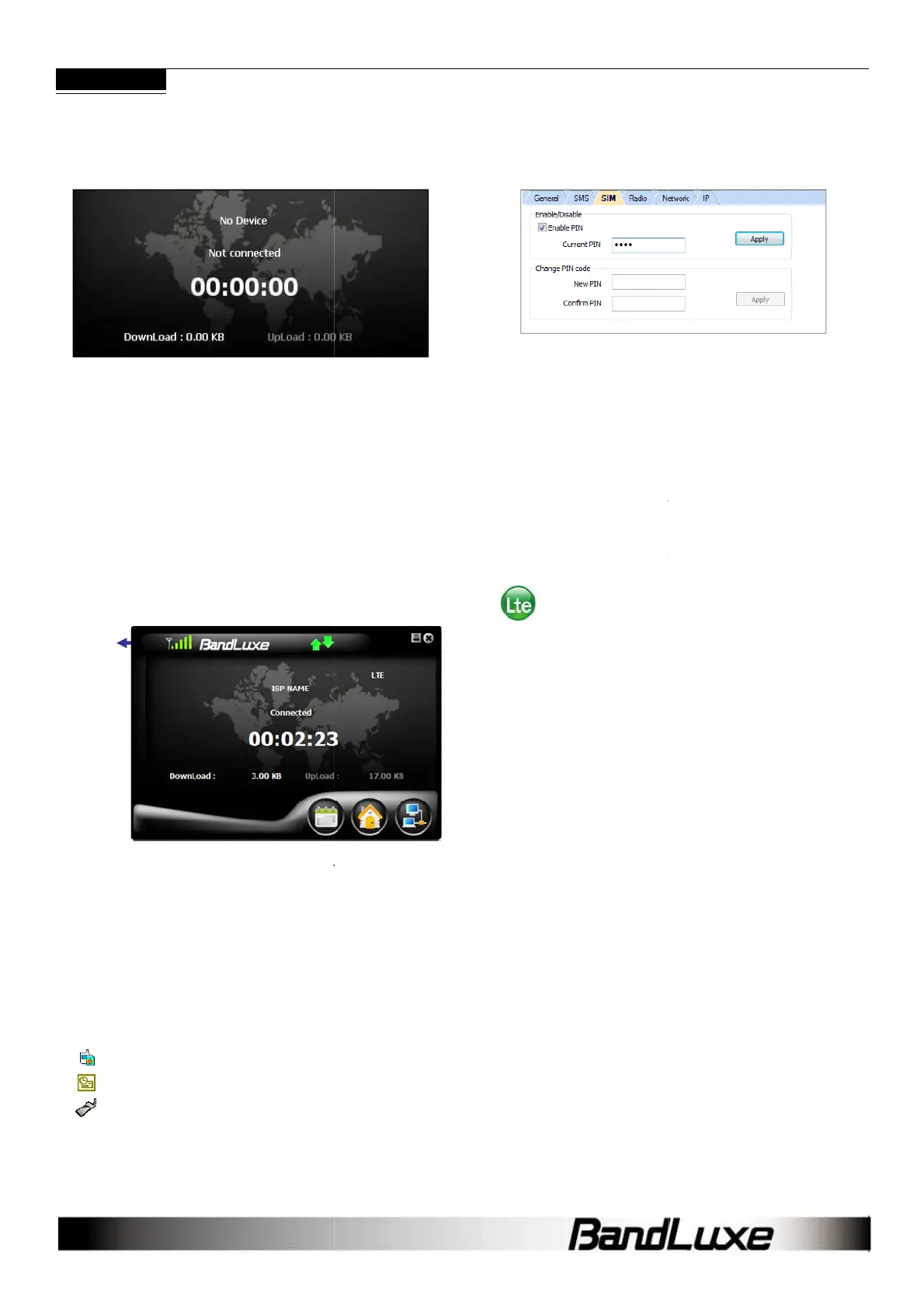
Q:
Why does the Home screen display
Device
?
A: Make sure that the C5XX
is plugged in/inserted correctly. If it is, and
No Device is still displayed, check the LED.
If the LED is not lit, the problem could be:
- The USB port is not activated. Check the
Q: The Home screen is stuck on
what should I do?
A: Replug/reconnect the C5XX
. If this does not work, restart the
computer. If reconnection doesn’t make the
the SIM card, which may have a poor connection or be locked.
Q:
The SIM card is working, so why can’t the
C5XX make a connection?
A: Check the profile information; click Menu >
for details.
If profile setting is
in order, the radio or network setting may need
adjustment. Click Menu > Setting. See
Radio and Network settings
are in order, please check the signal
strength indicator in the upper left corner of the
Manager.
Q:
How do I import contacts into the Connection
Manager?
A: Click Menu > Contacts >
- Import from the SIM Card.
- Import from Outlook.
- Import from the C5XX Contacts folder.
Signal
Strength
Indicator
Why does the Home screen display
No
is plugged in/inserted correctly. If it is, and
.
,
. If this does not work, restart the
activate, check
the SIM card, which may have a poor connection or be locked.
The SIM card is working, so why can’t the
. See Chapter 2
in order, the radio or network setting may need
for details. If
are in order, please check the signal
Connection
How do I import contacts into the Connection
Q: C
an I prevent others from using my
A: Yes. Click Menu > Setting >
PIN code.
Q:
Why do some SMS text symbols display
incorrectly on the
A:
This is related to the different decoding schemes used by various
mobile phones
. Known problem symbols include:
~ ! @ # $ % ^ & * ( ) _ + ` -
Q: The Install
automatically pop-up
C5XX , what should
A: In My Computer
, right click on the drive with the Connection
Manager icon and select AutoPlay. This should initiate the Install
Shield Wizard.
BANDLUXE C5XX
19
an I prevent others from using my
C5XX ?
to enable or change the SIM card
Why do some SMS text symbols display
This is related to the different decoding schemes used by various
. Known problem symbols include:
\ ; ‘ , . /
, right click on the drive with the Connection
Manager icon and select AutoPlay. This should initiate the Install



 To Next Page