Setting the Time
To set the time, press and hold the "animation" button (
lower left side). Digital display will be shown, and hours
begin flashing. Press "addition" button ( upper left side)
to increase the number and "subtraction" button ( upper
right side) to decrease the number. When the desired
number is flashing, press the "animation" button again
briefly and the minutes will begin to flash. Press the
"addition" button to increase the number and the
"subtraction" button to decrease the number. When the
desired number is flashing, press the "clock"
button ( lower right side)
briefly and time is set.
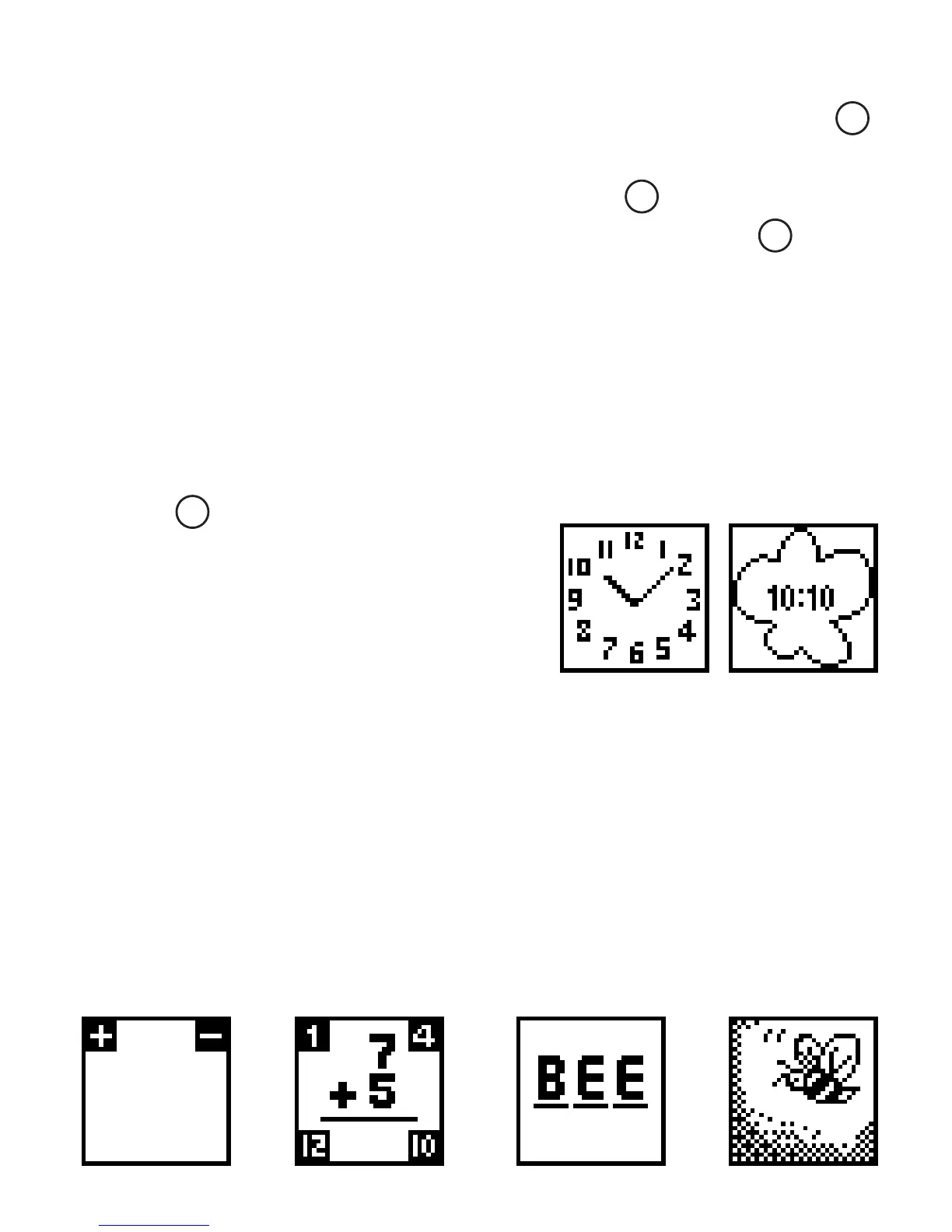
To confirm that the correct
time has been set press the
"clock" button briefly,
both analog and digital
time display should read correctly.
Addition and Subtraction Mode
To begin the addition and subtraction mode press either
the "addition" or "subtraction" button once. An option of
either addition or subtraction will appear. Player chooses
addition or subtraction, Math N’ Secrets
™
Tech Bracelet
will default to a fill in the blank screen. For each correct
answer one letter is given. When the fill in the blank word
is complete, an animation of the word will appear.
Dual analog display
1
2
4
3



 To Next Page